
12 Best AI Humanizers To Bypass Turnitin and GPTZero in 2026 (Tested & Ranked)
Written by
Alyssa Agas
Expert AI proofreader and creator of multiple AI writing and editing tools used by thousands of professionals. Specializes in building systems that make writing clearer, faster, and mistake-free.
TL;DR: The best AI humanizer tools in 2026 are:
- editGPT - Best overall
- Undetectable AI
- StealthWriter
- WriteHuman
- QuillBot
- Humbot
- AISEO Humanizer
- Humanize AI Tool
- GPTHuman
- Clever AI Humanizer
- Walter Writes AI
- Grammarly AI Humanizer
Have you ever spent weeks pouring hard work into a research paper, using barely any tools, only to have Turnitin or GPTZero flag it as 72% AI? The worst part is watching the rewritten version turn out flat, completely losing the essence, voice, and purpose you wanted it to carry in the first place.
You don't need just another rewriter. You need an AI humanizer that can preserve your original voice, tone, and intent while conforming your paper to the strict institutional standards.
And this is why I put these tools through a test, using them against the updated 2026 detection algorithms to see which ones actually protect your voice and which ones just scramble your text into alternatives that don't make sense just to ditch the detectors.
Here are the only 12 AI humanizers that consistently stayed under the radar without sacrificing your flow or quality, tested and ranked with detection scores.
Best AI Humanizers in 2026 Comparison table
The Methodology Used to Rank Each AI Humanizing Software
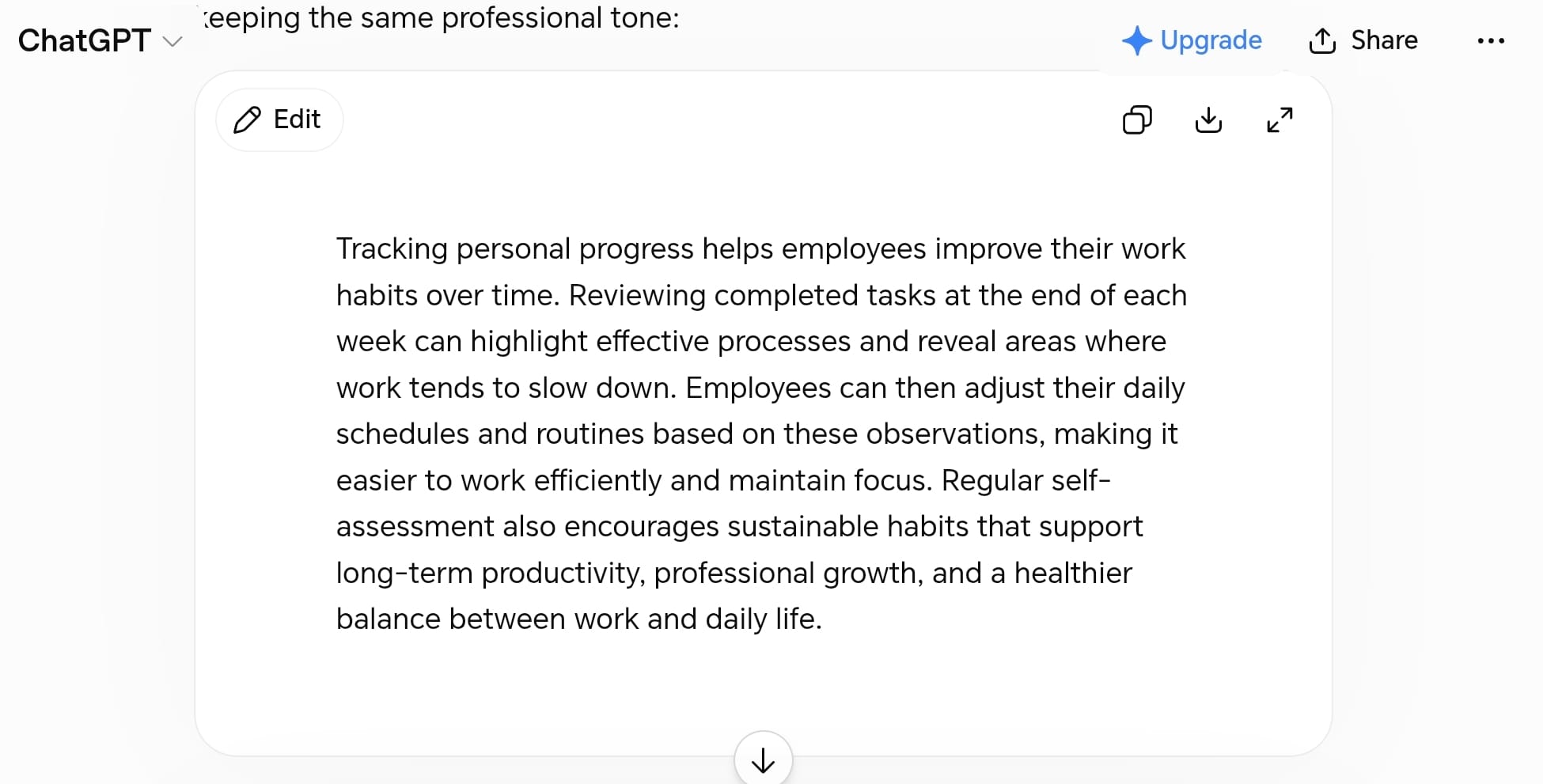
I needed a highly detectable text to test the actual capabilities of these systems, so I established a strict baseline by generating a standard 500-word article using ChatGPT-4o. The topic covered remote work productivity because that subject almost always triggers high AI probability scores immediately.
I then pasted that exact base text into every software on this list. Each application ran on its default configuration. I skipped manual edits entirely to see the raw, unfiltered output these systems generate on their own.
You need to know exactly what the software does before you spend time tweaking it yourself.
I logged the precise AI probability score for every single attempt, completing this exact cycle three separate times per software to establish a reliable average bypass rate.
Bypassing a scanner means nothing if the resulting paragraph is completely unreadable. I evaluated the final outputs for basic grammar and logical flow, and then I checked for weird synonym replacements, awkward phrasing, and scrambled sentences.
The numbers in the comparison table reflect how well each software maintains human readability while avoiding detection.
The Best AI Humanizers in 2026 To Bypass Turnitin and GPTZero
1. editGPT (Best Overall AI Humanizer)
Most AI humanizers just swap words for synonyms until the text makes no sense, but editGPT treats your draft like a professional human editor would… and some more.
It doesn't just scramble the vocabulary to trick a bot. It actually cleans up the phrasing while keeping your specific voice and perspective intact.
I found editGPT to be the most reliable out of all the AI humanizers I’ve used as it focuses on the logic and context of your writing rather than just trying to pass a math test.
Strongest AI detection bypass performance

editGPT was able to handle technical and creative writing equally well, which is rare since most bypass tools fail the moment you use a specialized term.
Rewrites structure not just words
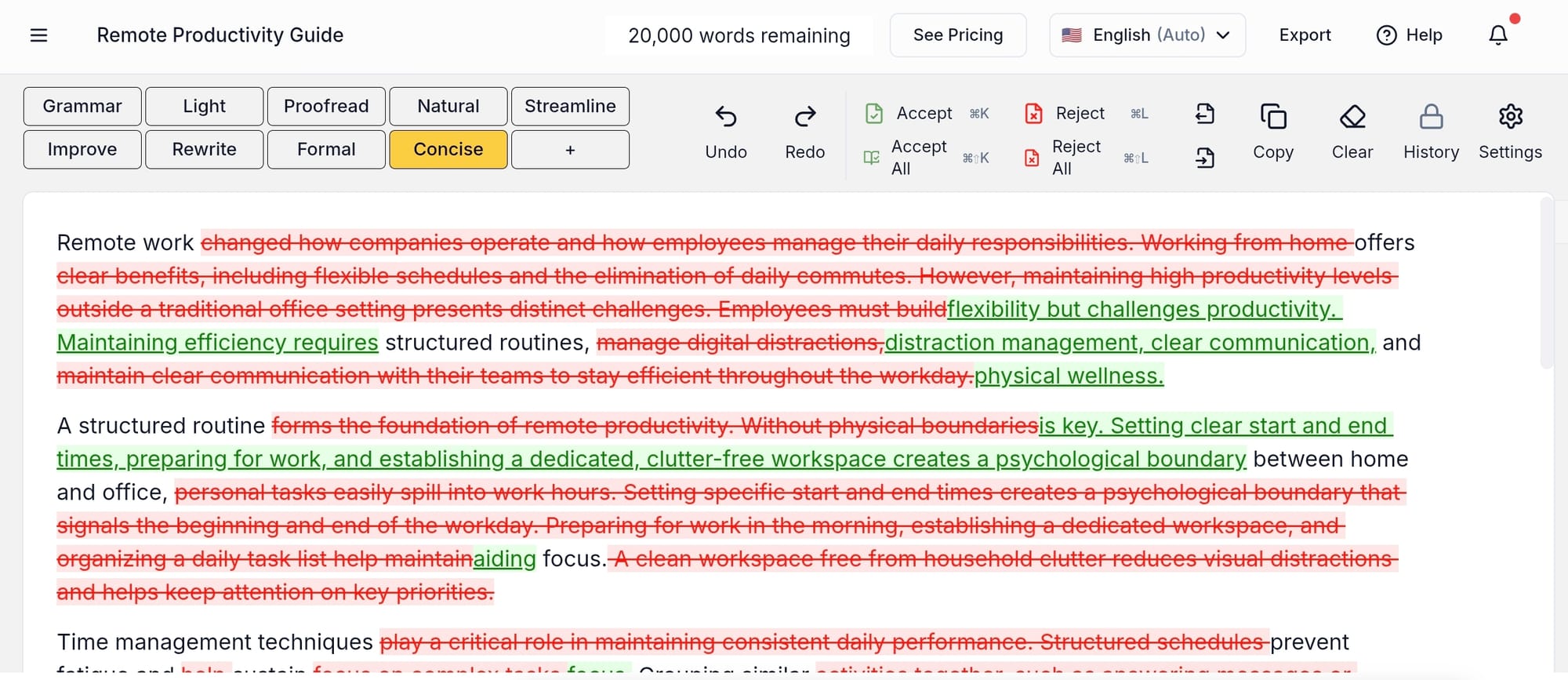
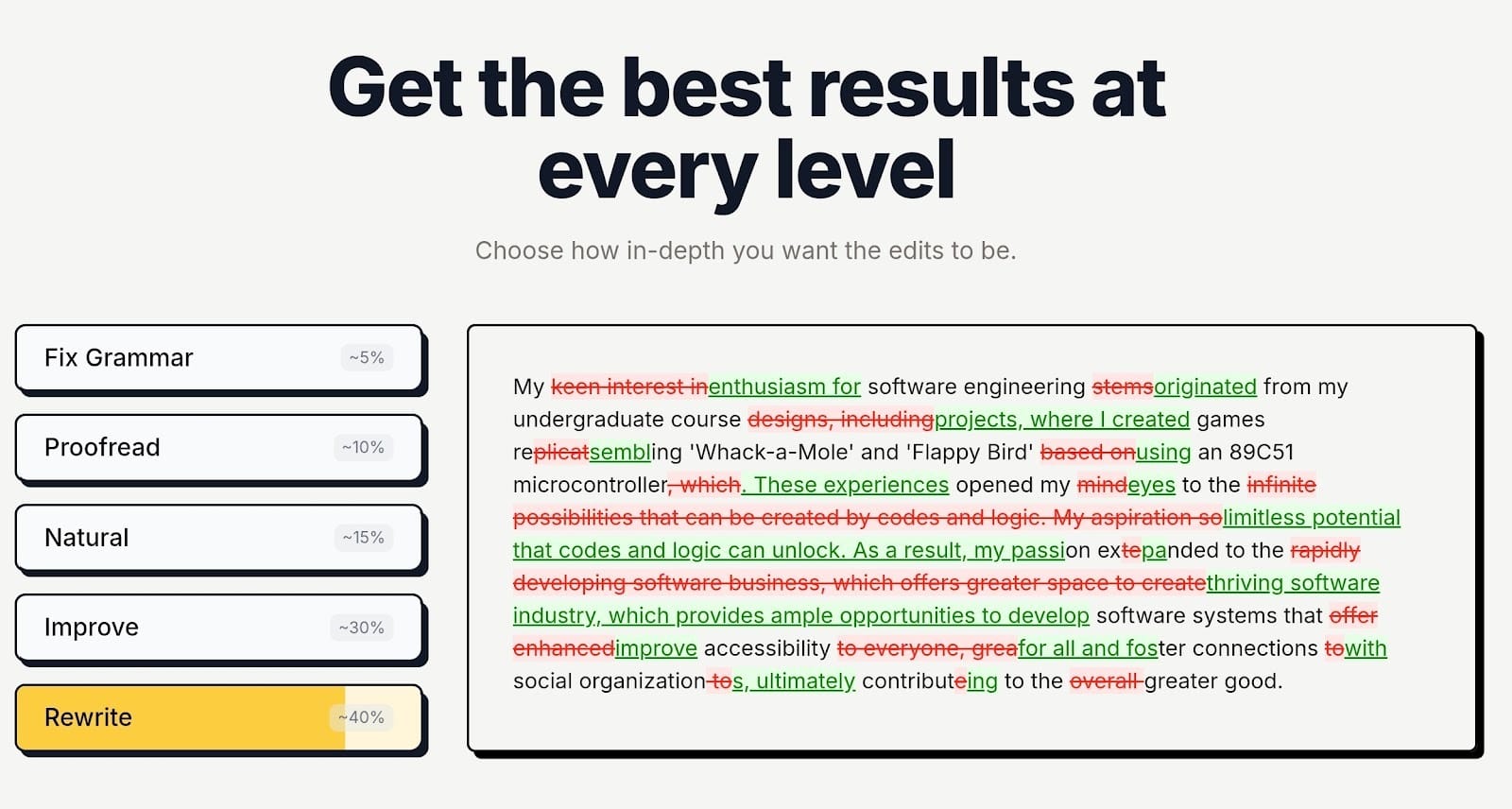
Testing editGPT showed that it works so well because it fundamentally rebuilds how you construct a paragraph. Instead of just changing words like "important" to "crucial," it shifts the order of your clauses and varies sentence lengths like a real person does (and depending on the style and tone you want).
Detectors look for a specific, consistent rhythm that AI writers always have.
By breaking that rhythm and introducing natural variations in the flow, editGPT makes the content look like it was typed by a human who takes breathers and changes their mind mid-thought.
Maintains meaning while sounding natural
I’m sure I’m not the only one who knows that a lot of humanizers turn a clear sentence into a confusing mess just to lower a score.
editGPT avoids this by staying grounded in the actual point you're trying to make. You won't find weird, clunky phrasing that sounds like it was translated back and forth between five languages.
It can keep your original intent clear to your readers, so it still sounds like your original draft, with your original voice and vision. The writing still sounds like something you’d actually say in a conversation.
Key Features
- AI Humanizer: With modes such as Natural (to fix awkward writing), Casual, and Rewrite to fit your writing needs.
- Contextual Sentence Rewriter: Analyzes surrounding text and your voice to ensure every structural change maintains a logical and human flow.
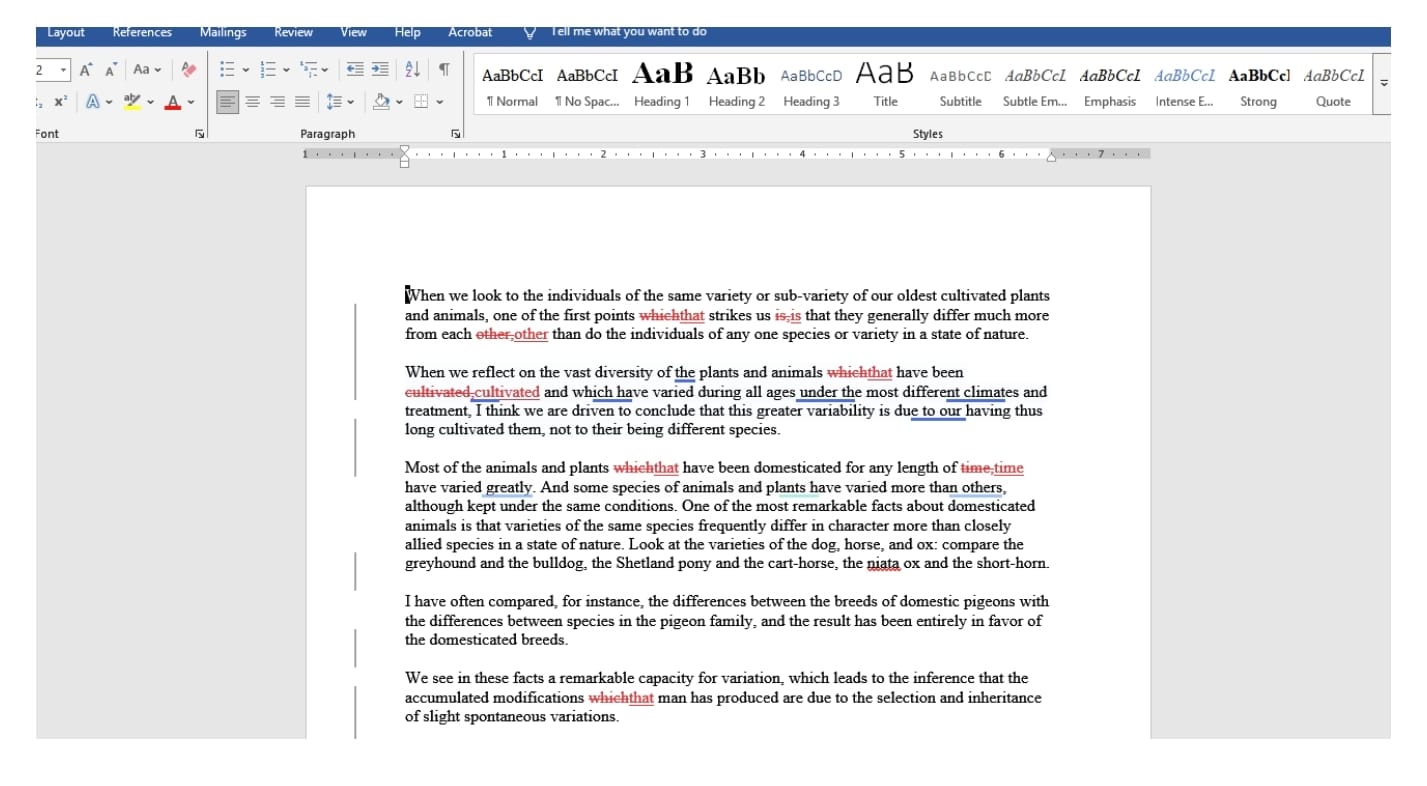
- Track Changes Interface: Displays every edit in a transparent view, allowing you to manually accept or reject specific suggestions.
- 80+ Language Support: Detects and humanizes content across dozens of languages and specific regional business dialects.
- Long-Form Editing: Can process up to 200,000 words with its Project mode on Pro Plan.
Pros
- Avoids the "uncanny valley" by favoring sentence variety over simple, robotic synonym swapping.
- Provides a free version with 20,000 free words.
- Offers a much more budget-friendly pricing model compared to expensive, one-click bypass tools.
- Keeps the original meaning of your work sharp without introducing weird, translated-sounding phrasing.
Cons
- The interface focuses on the editing process, which might feel slower than a "one-click" scrambler.
Best use cases
Humanizing academic essays and research papers
I put several research drafts through editGPT's web editor and it worked great at stripping away that stiff, "generated" feel.
It managed to keep my complex data and citations perfectly intact while making the analysis sound like it came from my own head rather than a template.
Cleaning up AI-generated marketing copy
When testing this on blog posts, I noticed it immediately kills off those predictable marketing buzzwords that usually trigger GPTZero.
It swapped out the generic fluff for punchy, direct sentences that feel like they were written by a seasoned copywriter.
Humanizing professional emails and reports
I used editGPT to polish a few formal reports and it did a great job of adding those subtle, human variations in rhythm. It keeps the tone professional enough for a boardroom while ensuring the message doesn't look like a low-effort bot response.
Best for:
- Research papers and academic essays
- Detailed blog posts and long-form articles
- Sensitive professional correspondence
- Manuscripts and creative storytelling
2. Undetectable AI
| Metric | Rating / Value |
| Contextual Editing | ★★★☆☆ |
| Speed | ★★★★★ |
| Longform Editing | ★★★☆☆ |
| Value for Money | ★★★★☆ |
| Output Detection Score | 18% |
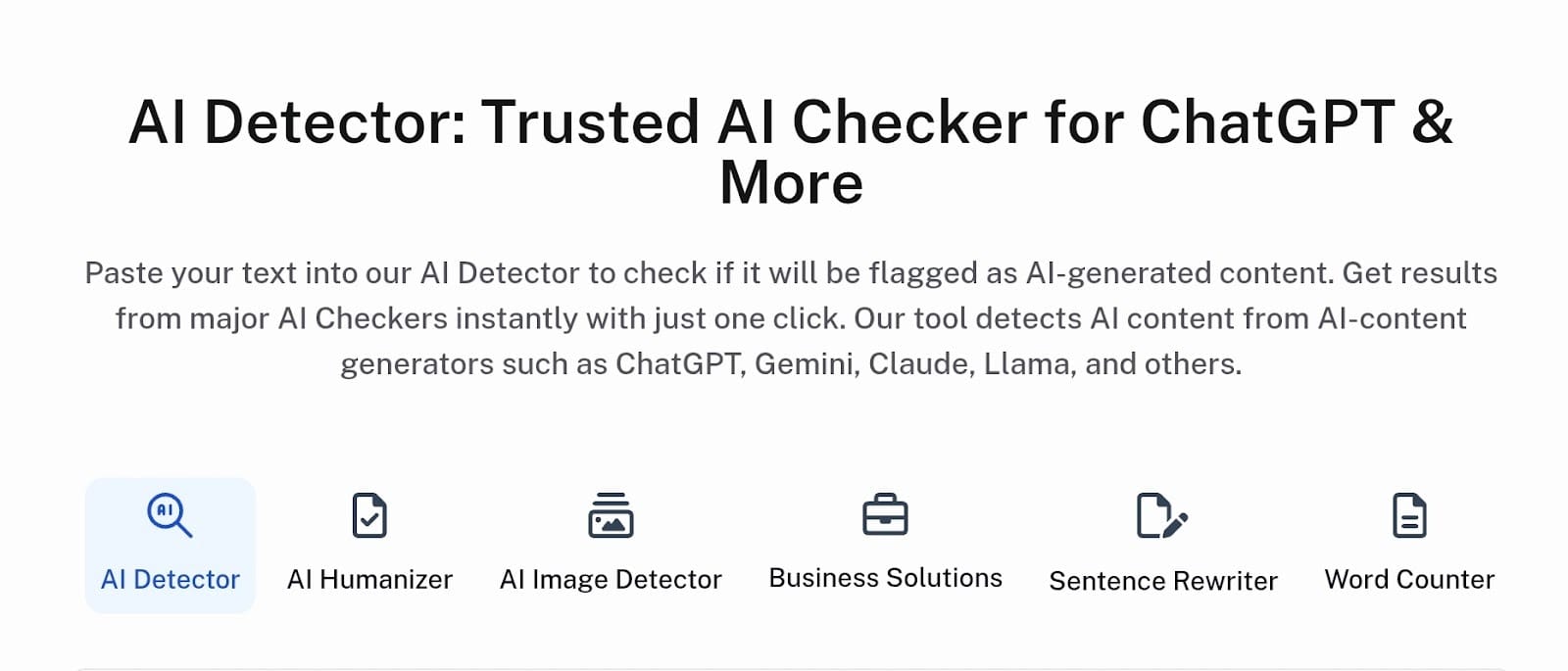
I spent some time running a few AI-generated drafts through Undetectable AI to see if it lived up to the hype about bypassing detectors today.
I found that it concentrates on disrupting predictable patterns rather than elevating the overall quality of the text.
It performs strongly against GPTZero's latest logic, but there’s a noticeable tradeoff where the sentences can start to feel a bit clunky or disjointed.
It’s a good choice if you’re in a rush and just need to clear a specific percentage threshold, though you will likely need to spend a few extra minutes smoothing out the phrasing so it doesn't sound "over-optimized" for a bot.
Key Features
- Multi-Model Detection Engine: Scans your text against different AI detectors simultaneously to give you a "collective" probability score.
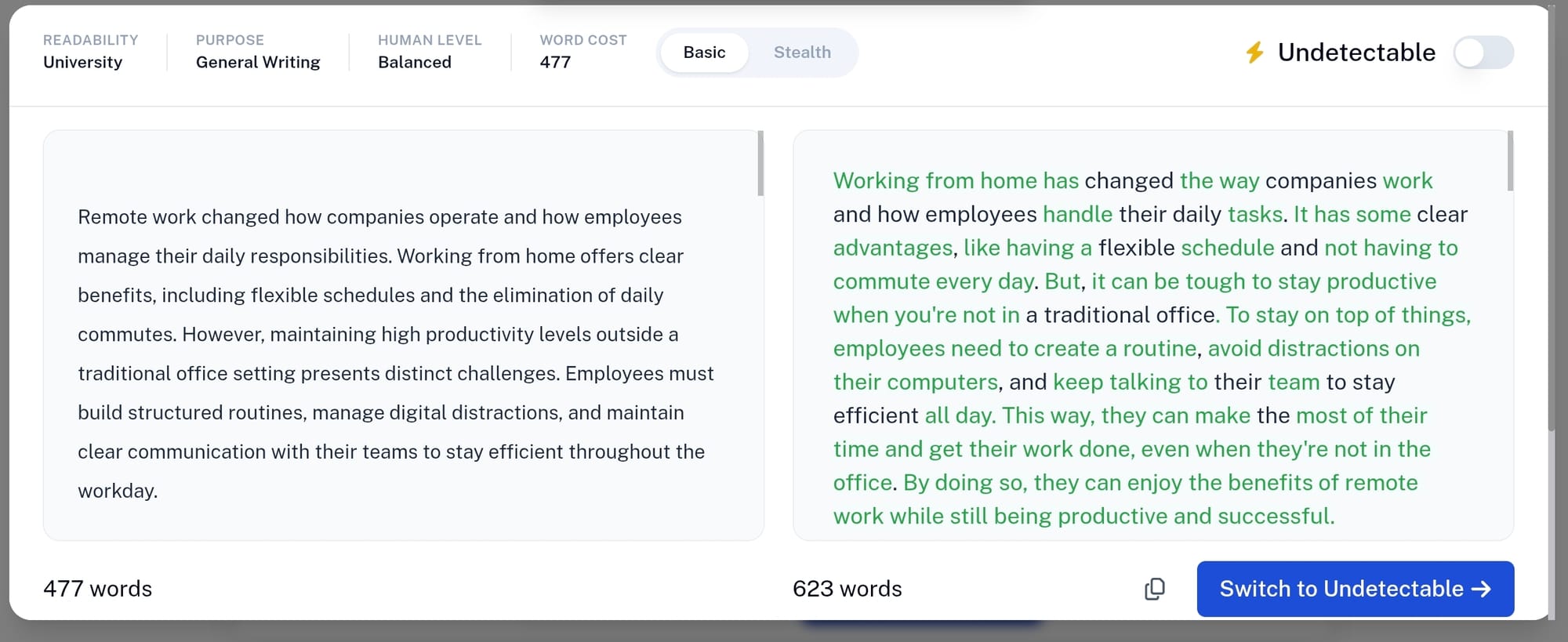
- Granular Readability Levels: Allows you to toggle between High School, University, Doctorate, and Journalist settings to match your specific audience.
- "More Human" vs. "More Readable" Modes: Lets you choose whether to prioritize a high bypass rate or a cleaner, more natural-sounding flow.
- API and Browser Extensions: Provides a Chrome extension so you can humanize text directly in Google Docs or your email window.
Pros
- Fast bypass of basic detection filters.
- Convenient all-in-one detection dashboard.
- Flexible humanization intensity settings.
- Easy side-by-side draft comparisons.
Cons
- Can give choppy or abrupt sentence structures.
- Strips original text formatting frequently.
Best use cases
- Passing quick detection checks on short content
- Scaling high-volume SEO drafts
- Checking detection probability in real-time
3. StealthWriter
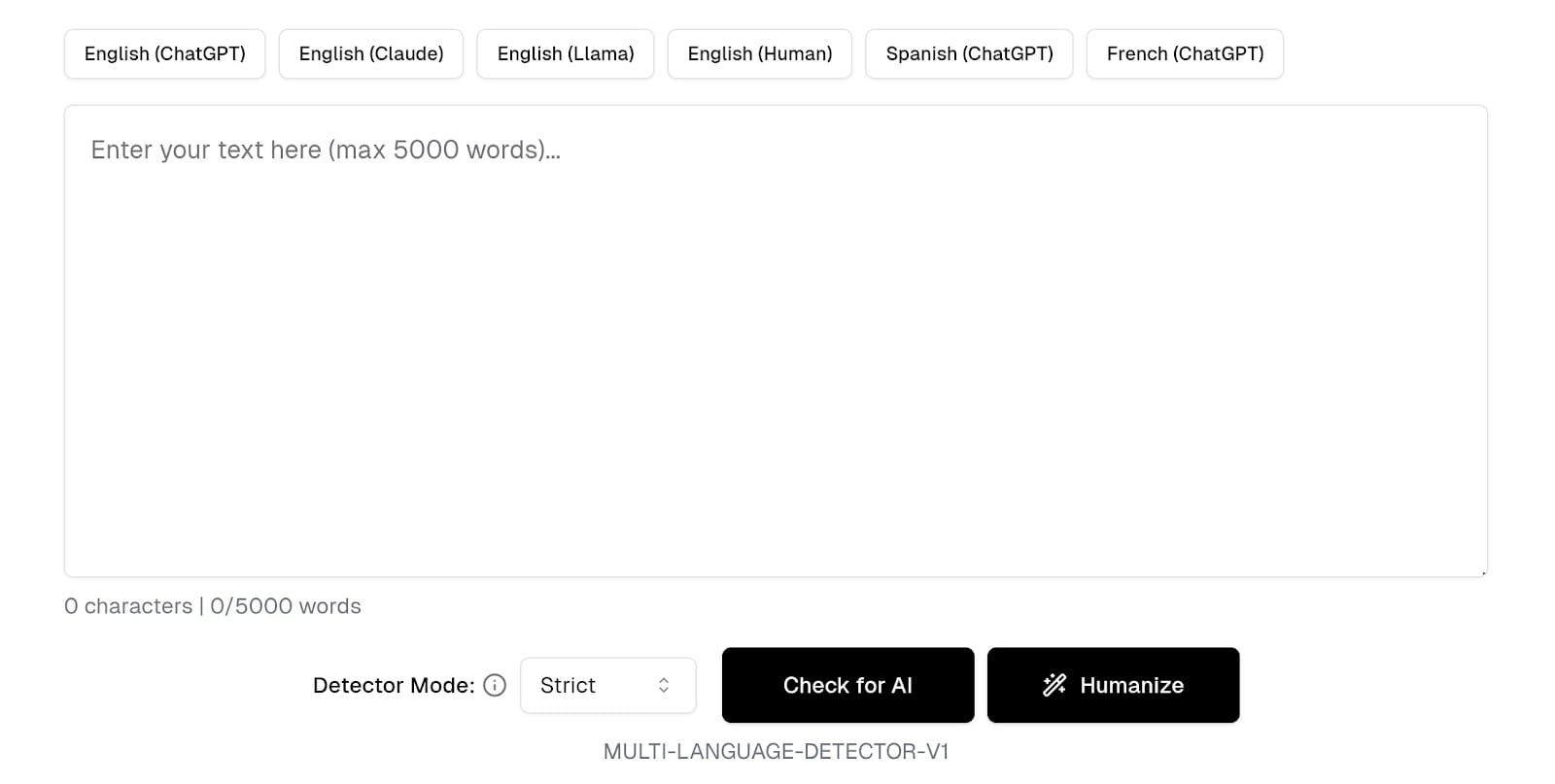
I put StealthWriter to the test on several recent research and even creative drafts to see how its "stealth rewriting" mode actually handles humanizing AI content.
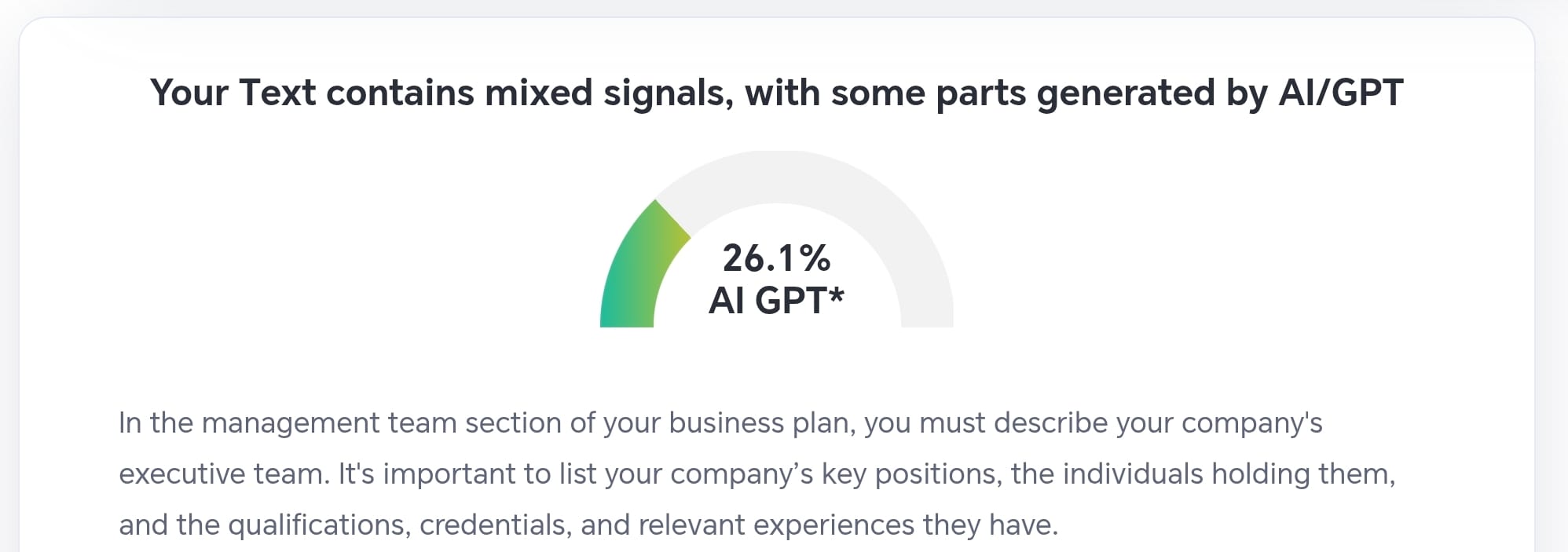
This tool targeted the specific footprints left by models like ChatGPT, and it did a great job of making AI text feel less mechanical.
While it offers a strong balance of detection avoidance, I still had to do some manual polishing to ensure the flow didn't get too choppy during the process.
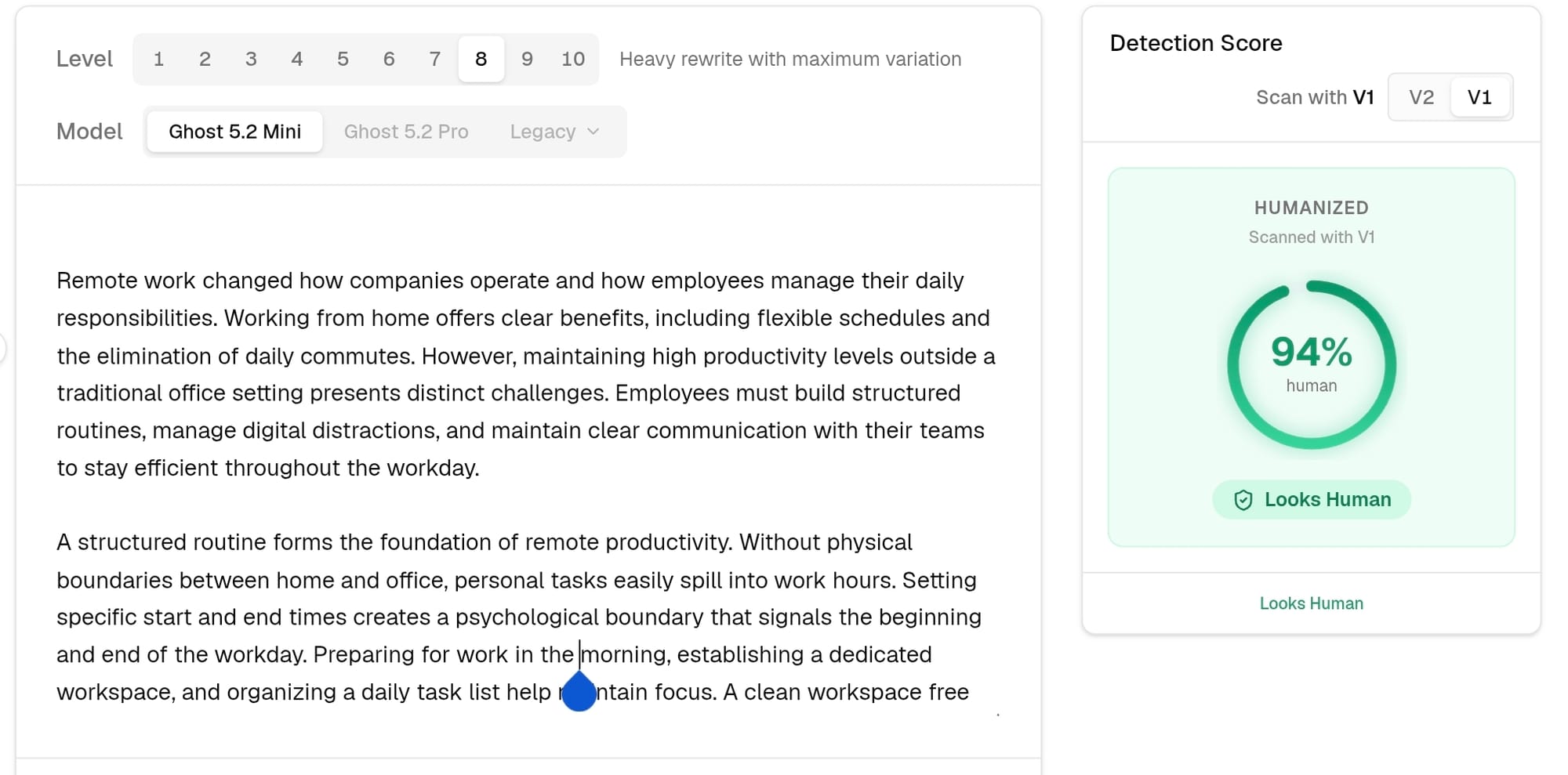
Key Features
- Ghost and Ninja Models: Provides two distinct levels of humanization, with Ghost being the more aggressive option for high-stakes bypass needs.
- Interactive Sentence Alternatives: Lets you click on any rewritten sentence to choose from multiple variations if the first one sounds a bit off.
- Customizable Styles: Allows you to toggle between various tones to keep your content aligned with your specific brand or academic voice.
- Real-time Editing Interface: Provides a clean workspace where you can tweak the humanized output directly before you hit export.
Pros
- Breaks common AI patterns.
- Intuitive sentence-level customization options.
- Reliable performance for shorter blog drafts.
- Multiple rewrite versions provided per scan.
Cons
- Higher tiers get quite expensive.
- Occasional grammatical hiccups in Ghost mode.
- Struggles with very long, complex documents.
Best use cases
- Humanizing blog posts and SEO articles
- Testing multiple versions of the same draft
- Fine-tuning specific sentences for clarity
4. WriteHuman
| Metric | Rating / Value |
| Contextual Editing | ★★★★☆ |
| Speed | ★★★★☆ |
| Longform Editing | ★★☆☆☆ |
| Value for Money | ★★★☆☆ |
| Output Detection Score | 22% |
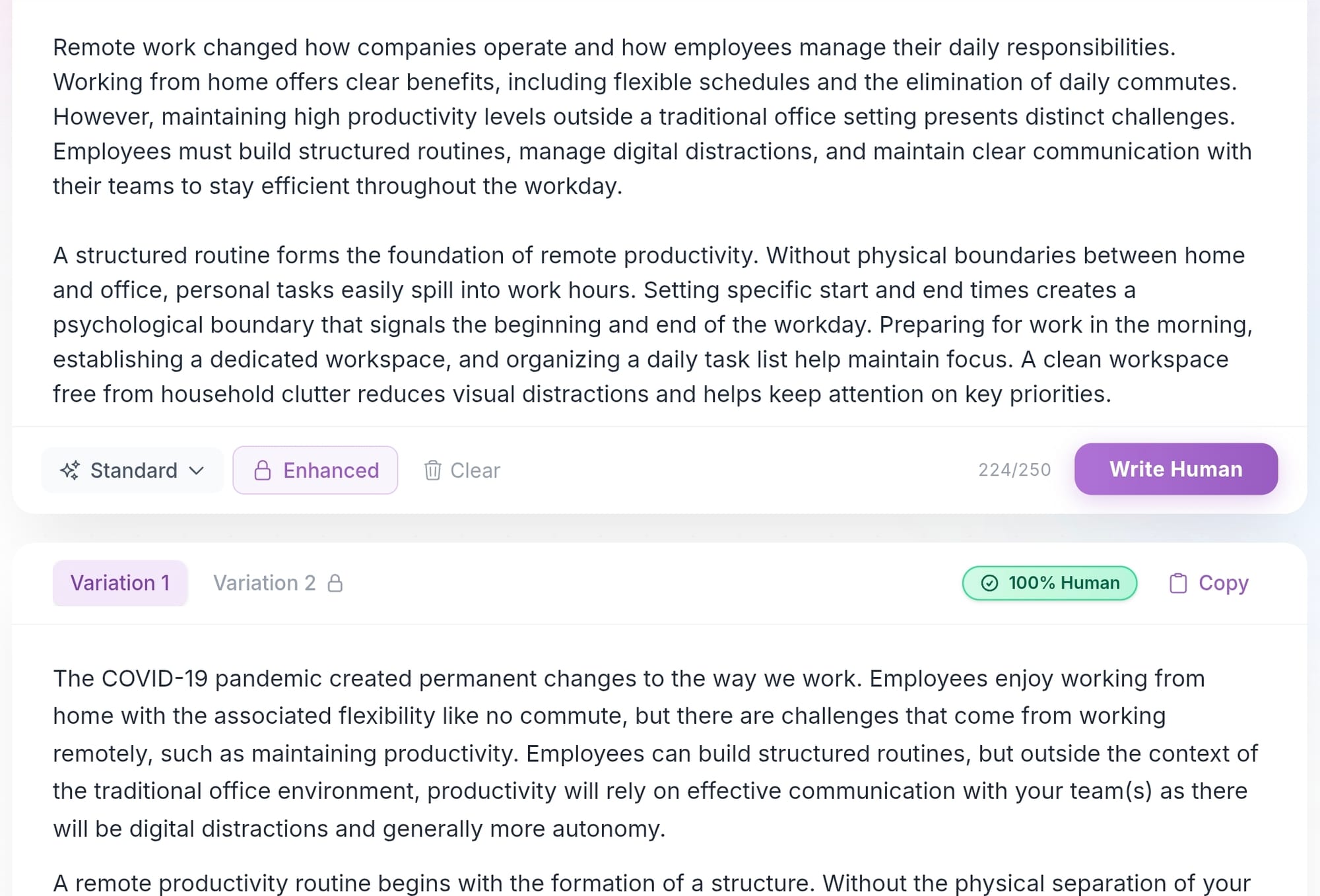
WriteHuman stood out to me because just like editGPT, it focuses on producing cleaner, simpler outputs that don't look like they’re run through a word blender.
It does offer strong readability improvements. But it isn't always the most reliable choice for bypassing the strictest academic filters.
It feels more like a tool for someone who wants to polish their writing for real people rather than just trying to win a game with a bot.
Key Features
- One-Click Humanization: Offers a very straightforward interface where you just paste your text and get a rewritten version immediately.
- Grammar Preservation: Keeps the technical accuracy of your original draft without introducing the weird "hallucinated" errors common in other tools.
- Privacy Focused Processing: Guarantees that your data isn't used to train further models, which is a nice touch for sensitive projects.
Pros
- Simple navigation.
- Maintains high readability scores.
- Keeps the original context stable.
- Fast processing for short drafts.
Cons
- Struggles with high-level detectors.
- Simplifies text a bit too much.
- Limited niche voice customization.
Best use cases
- Polishing casual blog content for real readers
- Quickly humanizing short professional updates
- Improving the flow of technical descriptions
5. QuillBot (Humanizer Mode)
| Metric | Rating / Value |
| Contextual Editing | ★★★★☆ |
| Speed | ★★★★★ |
| Longform Editing | ★★★☆☆ |
| Value for Money | ★★★★☆ |
| Output Detection Score | 38% |
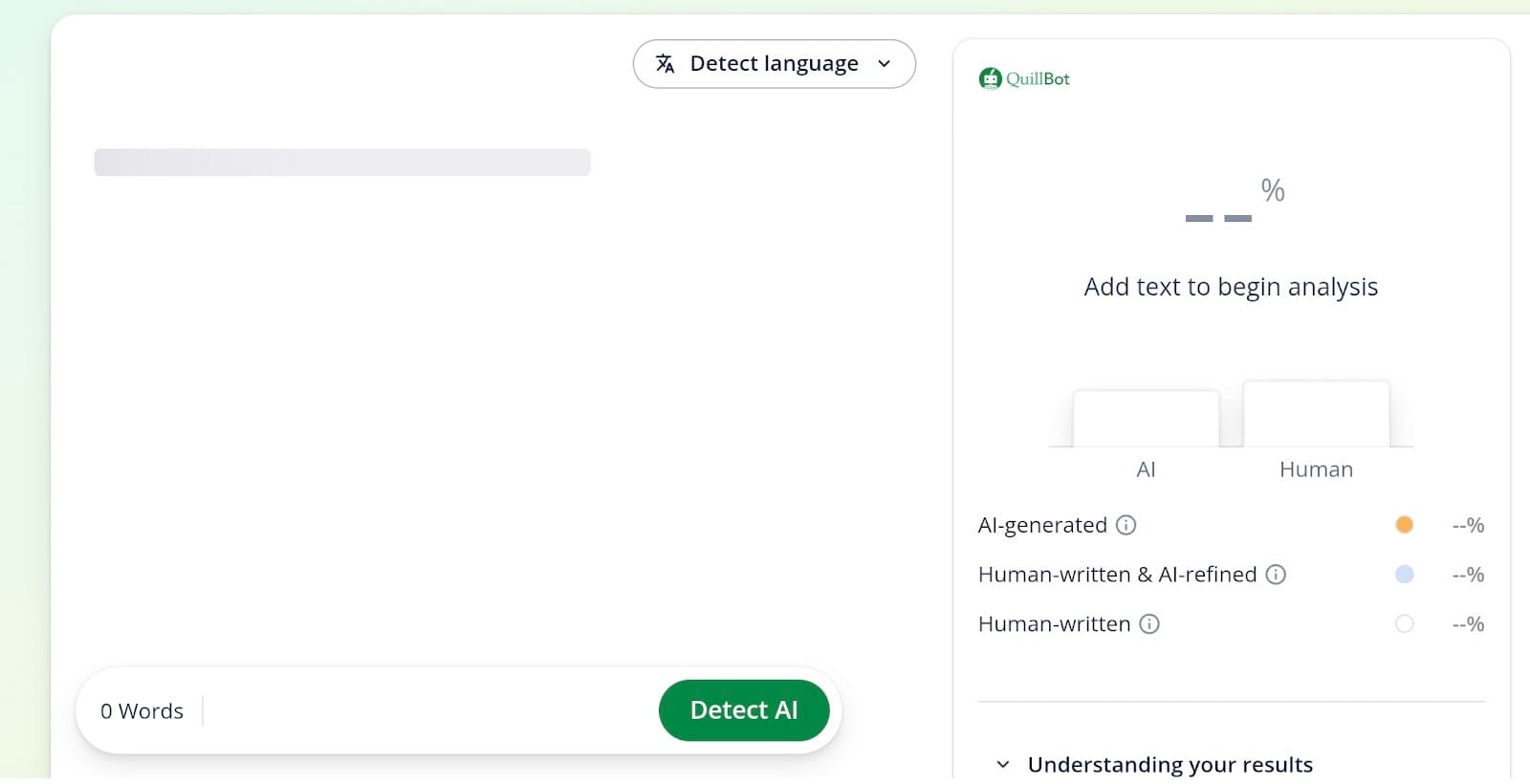
Almost everyone has used QuillBot at some point to fix a clunky sentence or swap out a few repetitive words. QuillBot has rolled out a specific humanizer mode to help writers get rid of that stiff AI feel that’s so common today.
I tested this mode on several drafts and found that it does a great job at cleaning up messy phrasing, but there were times when it tends to be a bit too safe.
QuillBot sure is a reliable choice for general polishing, but compared to the all-rounder editGPT, it could also struggle to stay under the radar when facing the most aggressive detection filters.
Key Features
- Customizable fluency levels: This lets you move between a literal rewrite and a more creative version of your original text.
- Direct plagiarism checker: It includes a built-in scanner to make sure your humanized text doesn't accidentally mirror existing online content.
- Grammar and spell check: The tool automatically fixes technical errors while you work on the actual flow of your paragraphs.
- Extension compatibility: It works directly inside Word, Chrome, and Google Docs so you can edit without constantly switching tabs.
Pros
- Familiar, easy-to-navigate interface.
- Excellent for overall readability.
- Budget-friendly compared to niche tools.
- Great for quick sentence adjustments.
Cons
- Higher detection scores on strict filters.
- Predictable sentence rhythms.
- Humanizer mode can be too conservative.
Best use cases
- Improving the clarity of a rough draft
- Paraphrasing sources for a blog post
- Smoothing out awkward AI-generated phrasing
6. Humbot
| Metric | Rating / Value |
| Contextual Editing | ★★☆☆☆ |
| Speed | ★★★★★ |
| Longform Editing | ★★☆☆☆ |
| Value for Money | ★★★★☆ |
| Output Detection Score | 24% |
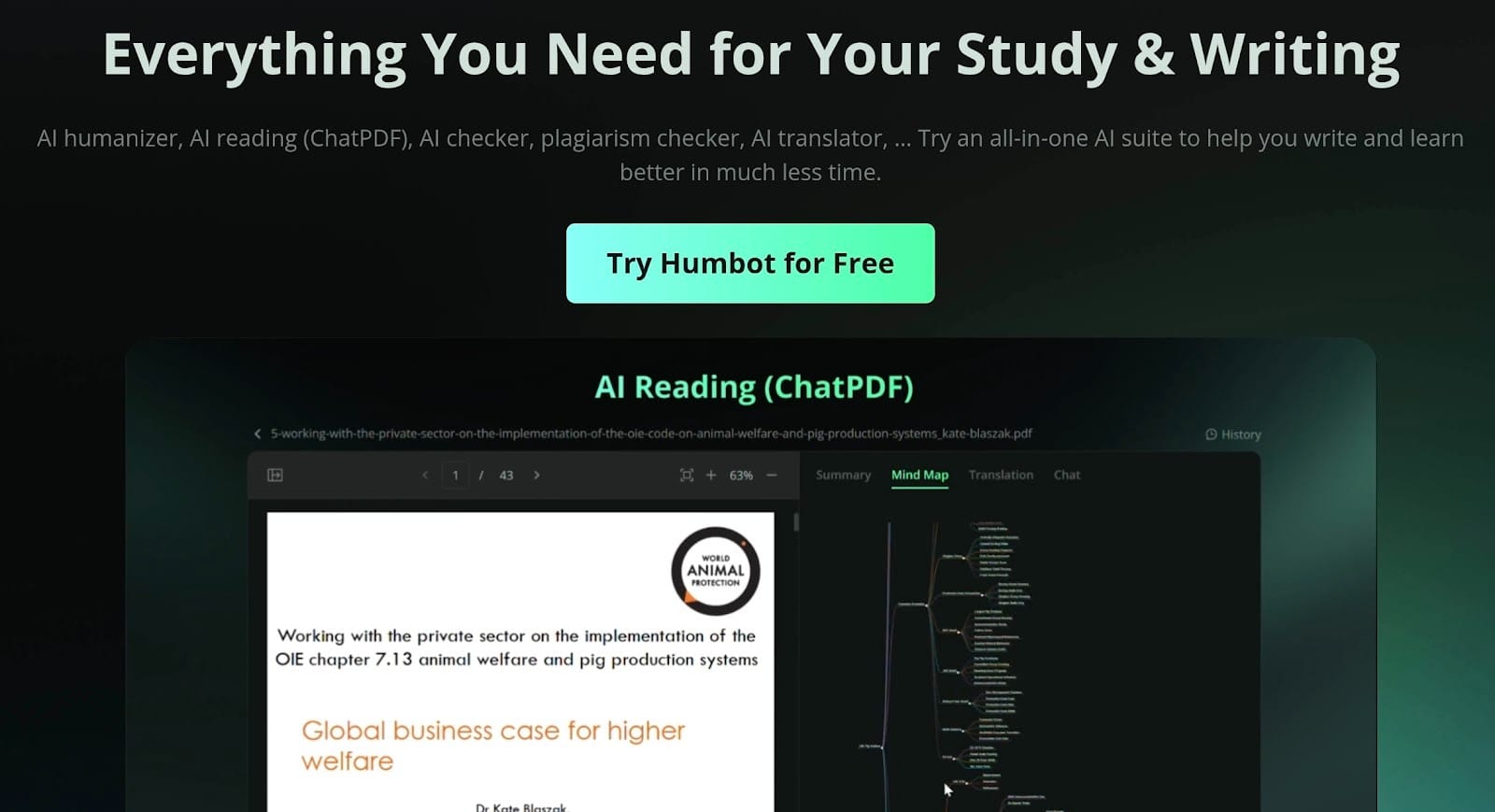
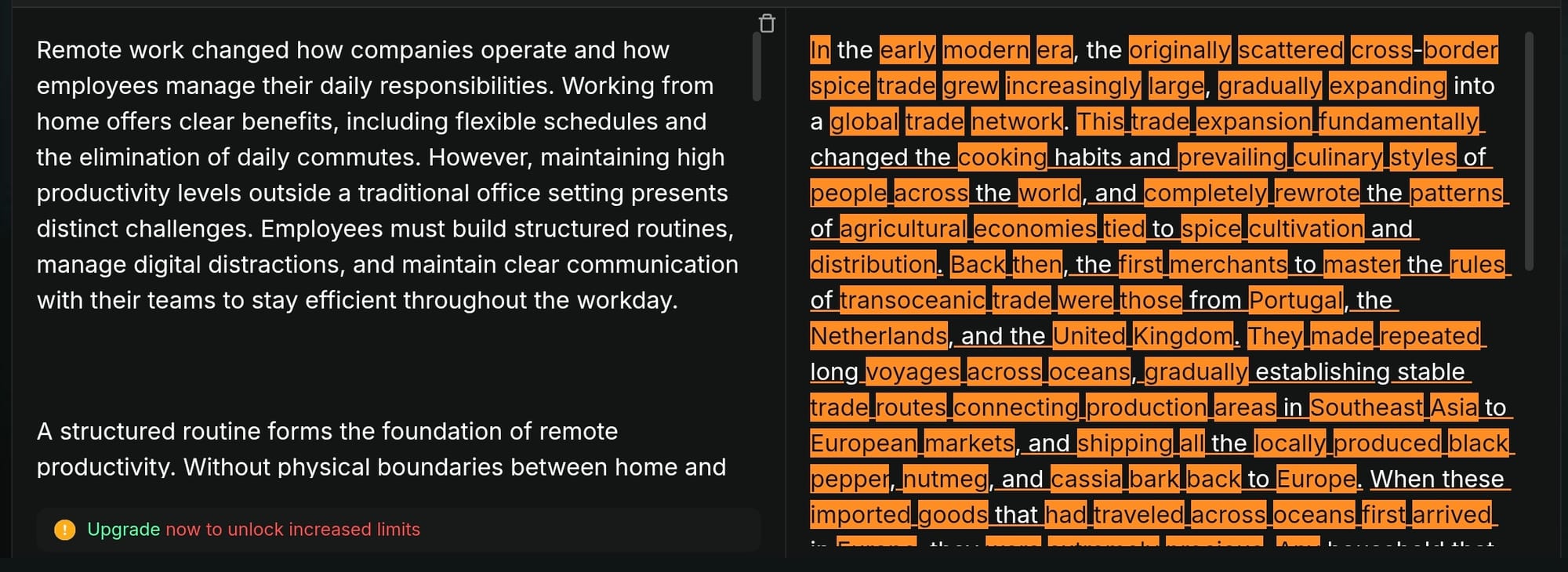
The humble Humbot made it to this list thanks to its fast and lightweight option, which makes it great if you just need to process a few sentences or a short social media update without waiting forever.
While it does a good job at producing a humanized AI version of your draft...
...a heads up, too, that it could struggle when you throw complex or technical paragraphs at it. It works best as a quick fix for simple content where you need to humanize it fast to stay ahead of basic detection filters.
Key Features
- Instant rewrite speed: Processes your input in seconds, making it one of the most efficient AI writing tools for users working under tight deadlines.
- Integrated AI probability checker: Features a built-in scanner that estimates your "human score" across multiple detectors before you even export the text.
- Multi-language support: Allows you to humanize content in over 50 different languages, which is a nice touch for global creators.
- Grammar and syntax polish: Automatically cleans up small errors during the humanization process to ensure the final output stays professional.
Pros
- Fast processing speeds.
- Very simple and intuitive interface.
- Good for short social media posts.
- Includes a built-in detection scanner.
Cons
- Struggles with complex or technical text.
- Output can feel a bit repetitive.
- Limited free tier word count.
Best use cases
- Humanizing short-form social media content
- Quickly checking detection scores on the fly
- Cleaning up simple email drafts
7. AISEO Humanizer
| Metric | Rating / Value |
| Contextual Editing | ★★★☆☆ |
| Speed | ★★★★★ |
| Longform Editing | ★★★☆☆ |
| Value for Money | ★★★☆☆ |
| Output Detection Score | 29% |
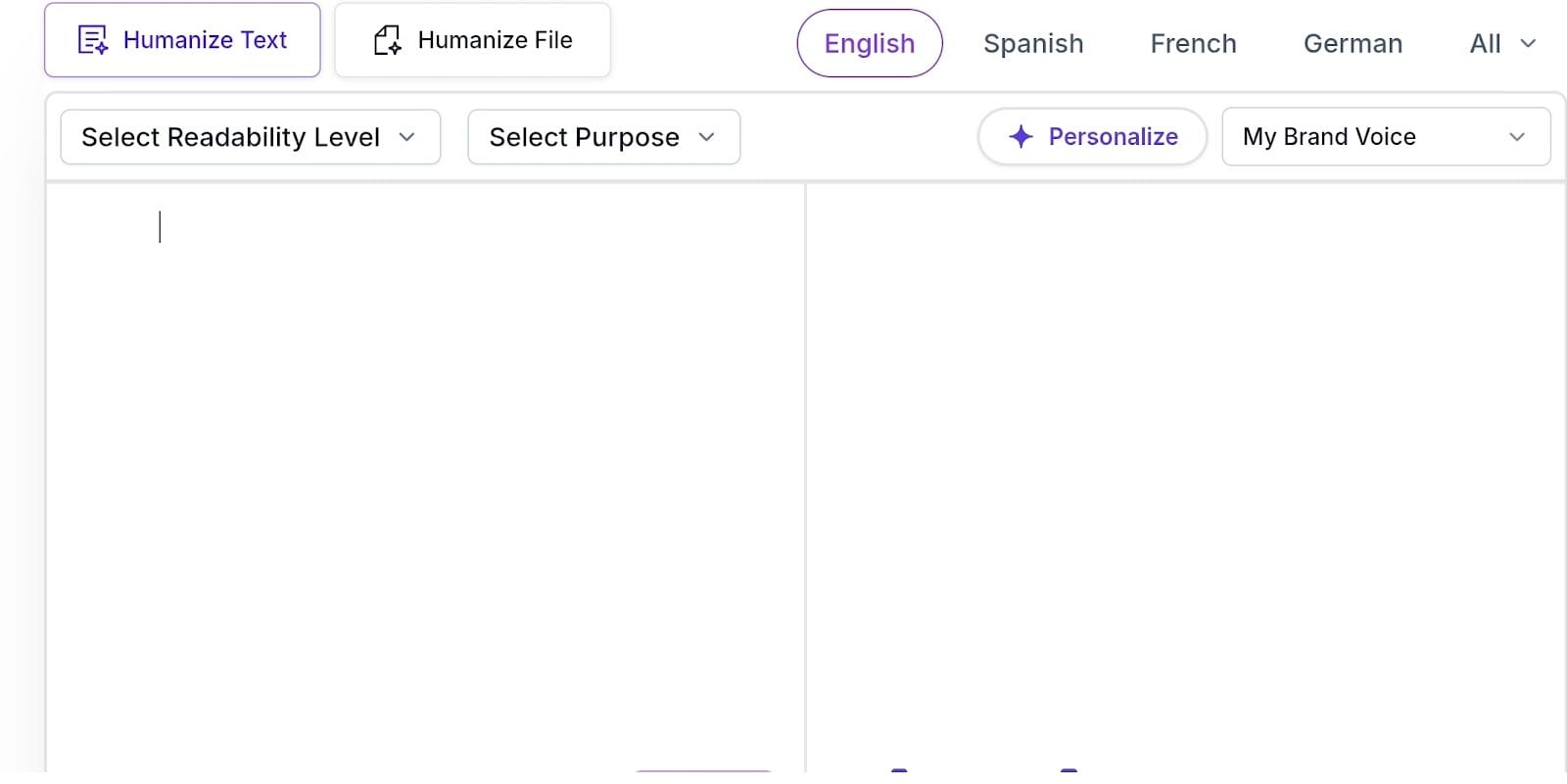
If you’ve ever felt like your blog posts were sounding a bit too much like a standard technical manual, AISEO Humanizer is likely the next tool you should look at.
It’s built by the same team behind their popular writing suite, so it’s specifically tuned for marketing and SEO workflows.
While it provides a noticeable boost to the readability and flow of your content...
...it can be a bit more conservative when it comes to bypassing the toughest AI detectors. It’s perfect for making your content more engaging for real humans, but you might need a second pass if your primary goal is dodging a high-sensitivity bot.
Key Features
- SEO keyword preservation: This is easily the standout feature, as it allows you to lock in specific keywords so the humanizer doesn't accidentally swap them out for generic synonyms.
- Dual rewriting modes: Offers a choice between "Standard" for a light polish and "Advanced" for a more thorough structural overhaul of your paragraphs.
- Integrated readability scoring: Provides a real-time Flesch-Kincaid score so you can see exactly how much easier your text is to read after the rewrite.
- Multiple language options: Supports over 20 languages, making it a reliable choice for international marketing teams looking to maintain a consistent voice.
Pros
- Protects your SEO rankings by keeping keywords intact.
- Very fast turnaround times for long-form blog posts.
- Great for improving the overall flow of marketing copy.
- Simple, one-click interface that anyone can use.
Cons
- Moderate success rate against the newest 2026 AI detectors.
- Advanced mode can occasionally lead to repetitive phrasing.
- Free tier is quite limited compared to standalone competitors.
Best use cases
- Optimizing blog posts for actual readers
- Refreshing old marketing content
- Maintaining keyword density while humanizing
8. Humanize AI Tool
| Metric | Rating / Value |
| Contextual Editing | ★★☆☆☆ |
| Speed | ★★★★★ |
| Longform Editing | ★☆☆☆☆ |
| Value for Money | ★★★☆☆ |
| Output Detection Score | 45% |
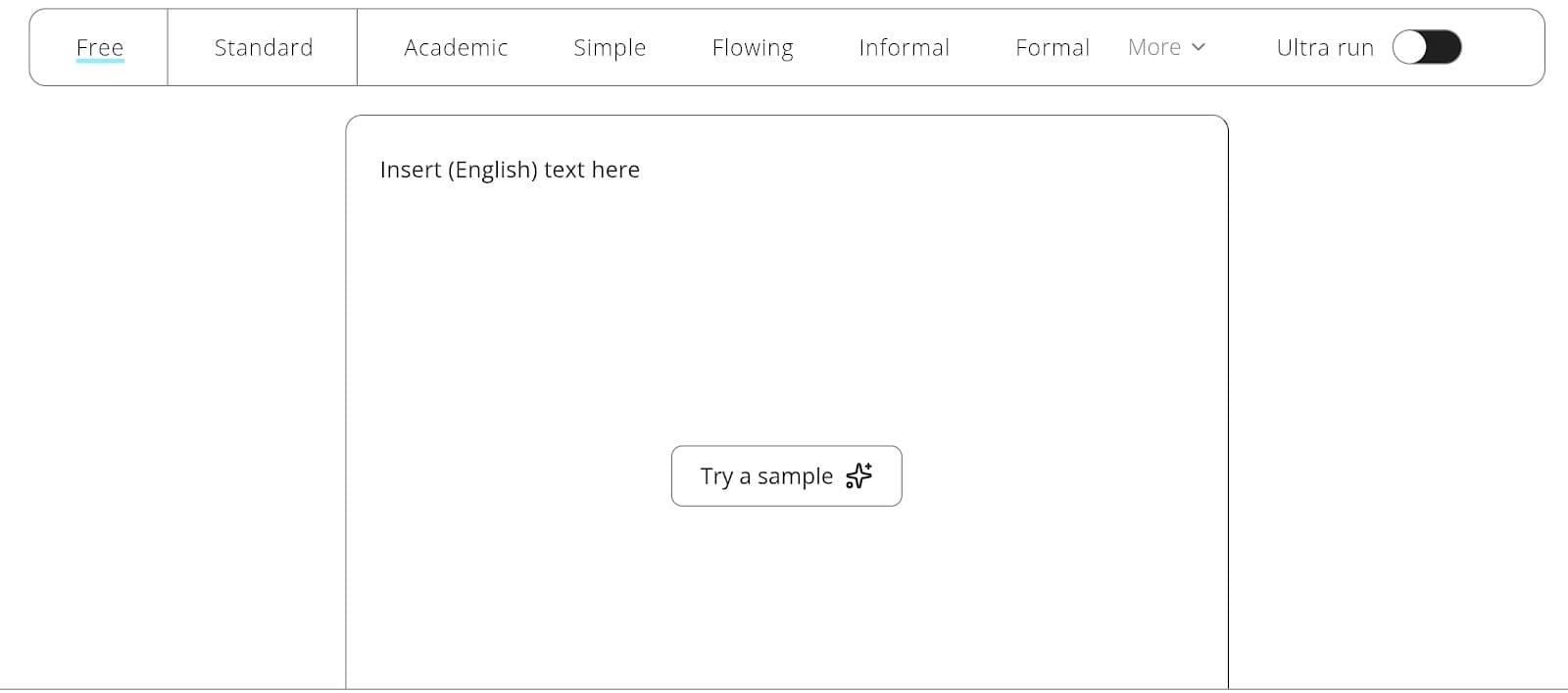
If you just need a straightforward, no-frills option to take the edge off a robotic draft, Humanize AI Tool is about as entry-level as it gets.
I spent some time testing it on a few basic paragraphs and found the interface incredibly easy to navigate since there are basically zero distractions.
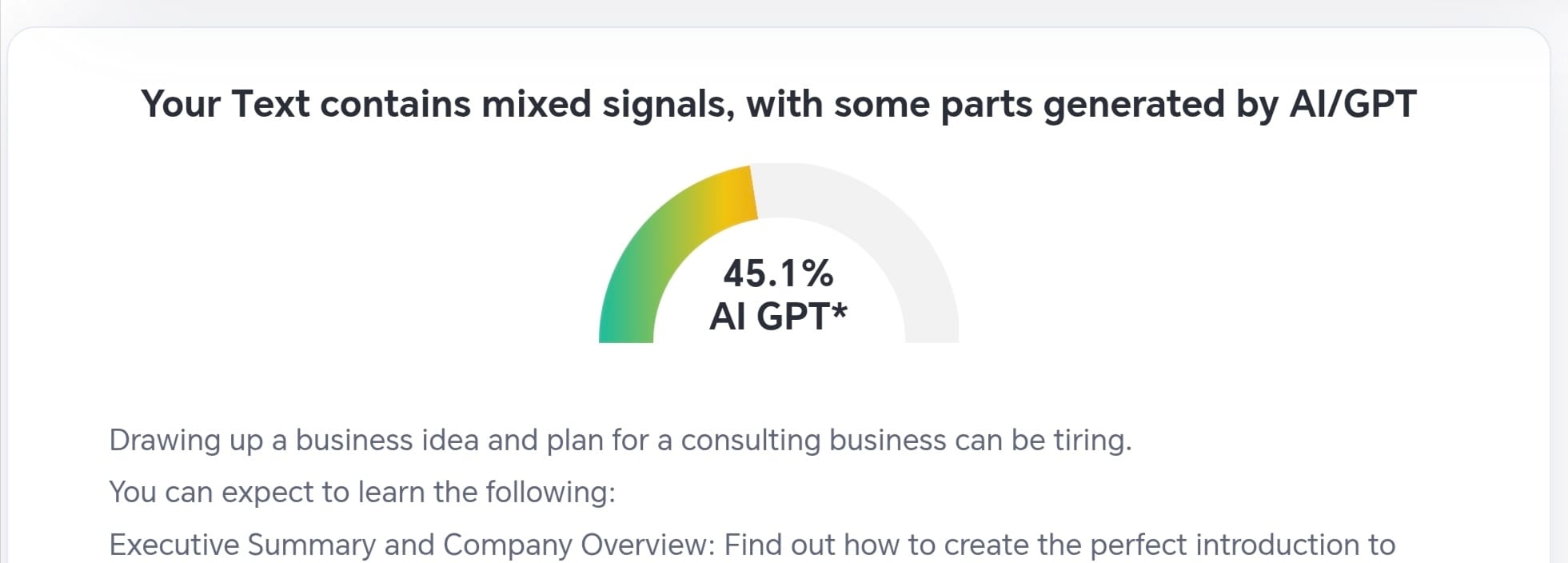
It’s built for speed and simplicity, making it a decent choice for anyone who doesn't want to mess around with complex settings or deep technical configurations.
However…
…keep in mind that its accuracy doesn't quite match up to the heavy hitters we’ve already discussed, so you should expect to do a bit more manual cleanup on the backend.
Key Features
- Minimalist text transformer: Provides a single-window interface where you paste your content and get a result without any extra clicks or menus.
- Instant processing engine: Rewrites your sentences in real-time, which is helpful if you are trying to churn through a long list of short updates quickly.
- Basic AI detection indicator: Gives you a rough percentage estimate of how "human" the tool thinks your new text looks to help you gauge the output quality.
- Multi-format support: Handles plain text and basic document pastes while preserving your general paragraph breaks and spacing.
Pros
- Zero learning curve for new users.
- Completely free for short, quick snippets.
- Fast results for low-stakes content.
- Very clean and uncluttered workspace.
Cons
- Struggles with high-level detection bypass.
- Lacks advanced customization and tone settings.
- Lower accuracy on technical or niche topics.
Best use cases
- Humanizing very short social media blurbs
- Taking the robotic edge off internal notes
- Quickly rewriting repetitive sentences
9. GPTHuman
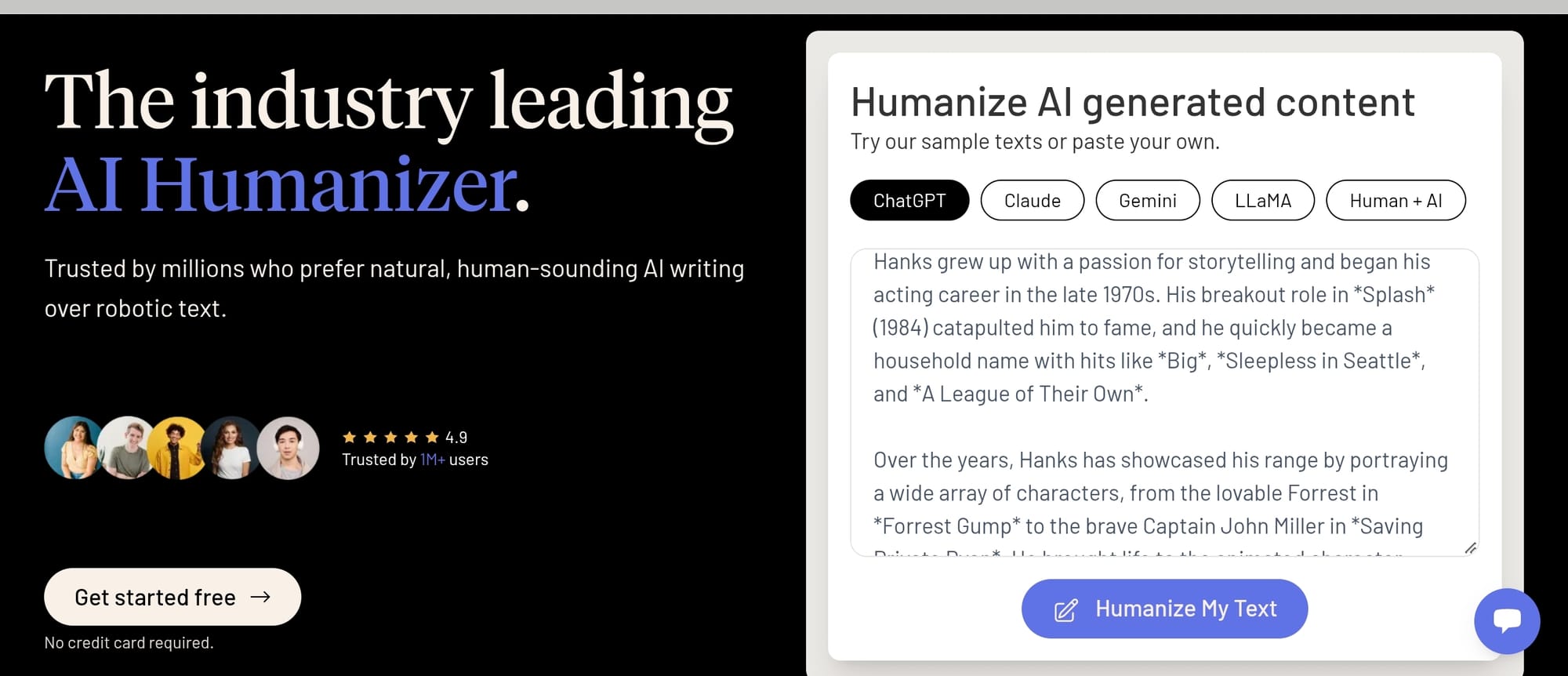
GPTHuman is a paid humanizer that uses advanced generative AI to humanize texts from ChatGPT, Claude, and other models. They also pride themselves by generating human-sounding content from nothing but your prompts.
Its focus is on adjusting rhythm and vocabulary distribution to break predictable AI patterns. It has a straightforward interface with simple options, letting users select targeted tones before processing text.
Key Features
- Tone Selection: Offers specific presets tailored for academic and professional documents.
- Built-In AI Detector: Includes an internal scanner to check text probability before exporting.
- Multi-Language Engine: Supports humanizing workflows across more than 80 languages.
Pros
- Offers discounted annual billing structures for long-term users.
- Maintains core sentence intent during structural rewrites.
- Provides transparent word limits per generation output.
Cons
- The free tier is limited to a 300-word trial rather than an ongoing free plan.
- Purchases are non-refundable according to platform terms.
- Per-output length restrictions require breaking down long documents.
Best Use Cases
Suitable for students and content creators who need targeted tone controls and structured paragraph adjustments for essays or professional articles.
10. Clever AI Humanizer
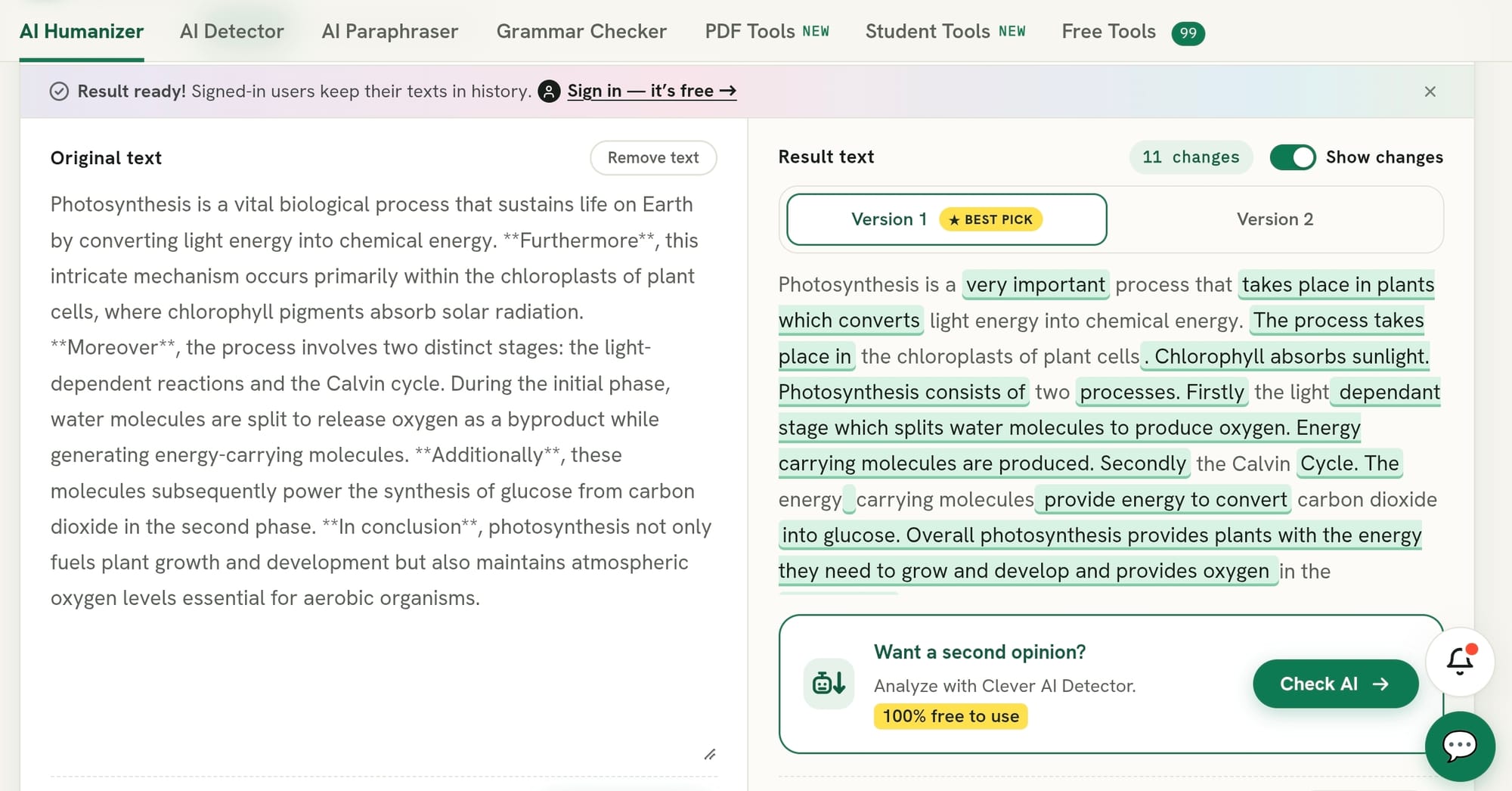
Clever AI Humanizer works as a completely free rewriting utility that requires no sign-up or subscription paywall for its core tools.
Pasting an AI-generated draft into the interface lets you process up to 3,000 words per request with no fixed monthly word cap, though heavy traffic days can occasionally trigger capacity notices.
It provides two distinct writing styles (Normal/Clear and Structured) across English, Spanish, and Portuguese. (For an in-depth look at its features and limitations, check out our Clever AI Humanizer Alternative review).
Key Features
- Zero Paywall Model: Offers full access to humanizing, parsing, and detection features without charging subscription fees or displaying ads.
- Dual Writing Styles: Lets you toggle between Normal mode for casual content and Clear & Structured mode for formal reports.
- High Per-Request Allowance: Processes up to 3,000 words in a single batch, reducing the need to chop long documents into smaller fragments.
Pros
- Completely free to use with no monthly word limits or hidden subscription walls.
- Generous 3,000-word limit per individual request.
- Optional user accounts save content history without restricting free word access.
Cons
- Language selection is strictly limited to English, Spanish, and Portuguese.
- Can occasionally drop targeted keywords or alter specific phrases, requiring careful manual review.
Best Use Cases
Great for bloggers, freelancers, and students looking for a fast, free first-pass polish on standard essays, emails, and articles without committing to a paid monthly software subscription.
11. Walter Writes AI
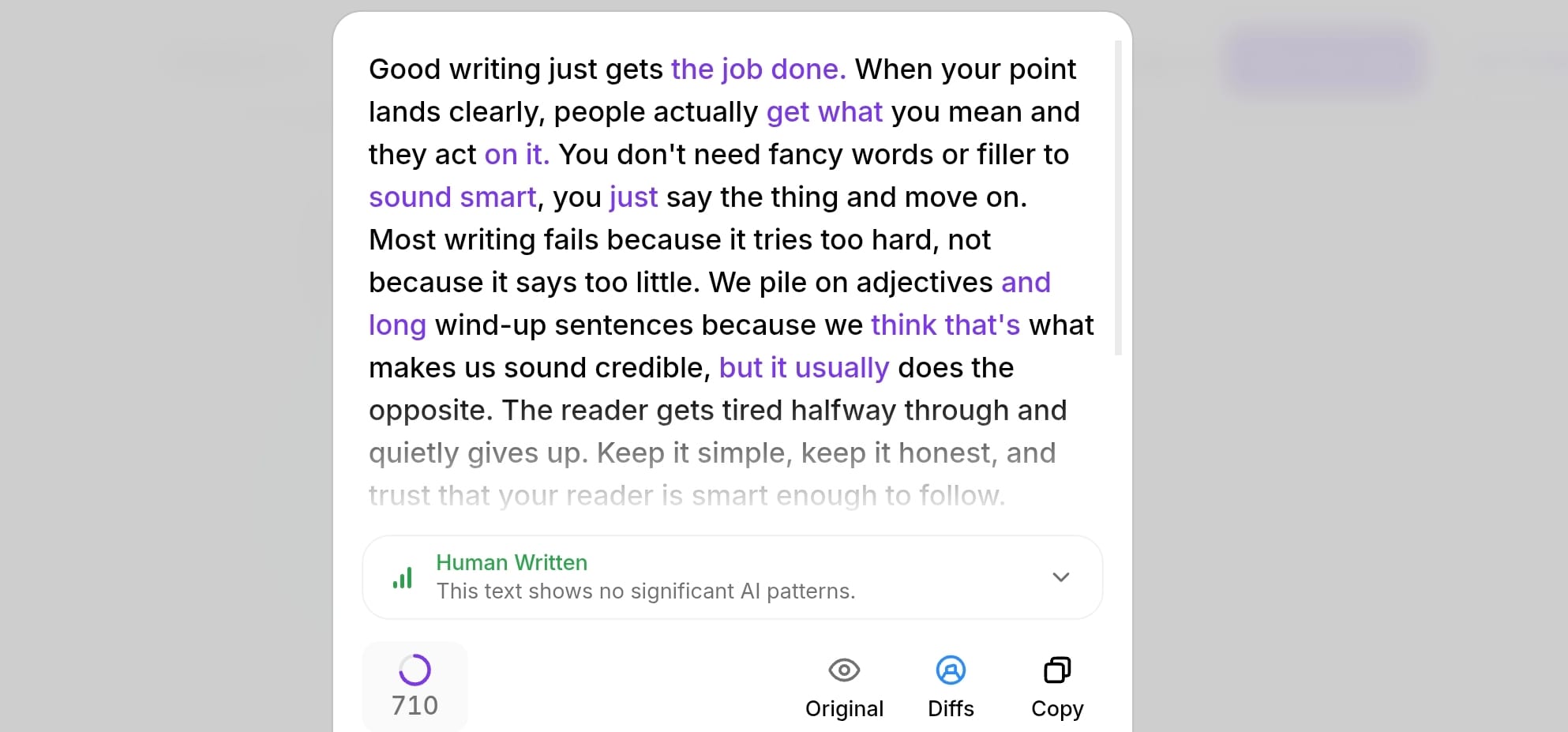
Walter Writes AI lets you choose among three rewrite strengths (Simple, Standard, and Enhanced) designed to adjust sentence rhythm and vocabulary distribution. This tool offers a free trial providing 300 words without requiring a credit card.
Paid subscription tiers include Starter at $8/month for 30,000 words/month, Pro at $13/monthly for 70,000 words/month, Elite at $26/month for 200,000 words/month, and Teams at $99/month for 500,000 words for up to 10 members.
Key Features
- Rewrite Strengths: Lets users toggle between Simple, Standard, and Enhanced modes to control how deeply the text structure is modified.
- Built-In AI Detector: Bundles an internal detection scanner alongside the rewriting engine to check probability scores in one workspace.
- Multi-Language Support: Processes humanization workflows across more than 80 languages.
Pros
- Bundles an AI detector and plagiarism checker directly into the main workspace.
- Provides clear tiered word allowances with annual discount options.
- Supports multilingual projects across dozens of regional languages.
Cons
- The free tier is restricted to a one-time 300-word trial.
- Annual plans require upfront lump-sum payments.
- Per-request limits cap individual submissions depending on your tier.
Best Use Cases
Ideal for content writers and marketers looking for a straightforward, multi-language rewriting dashboard that combines detector checks with structured sentence adjustments.
12. Grammarly AI Humanizer
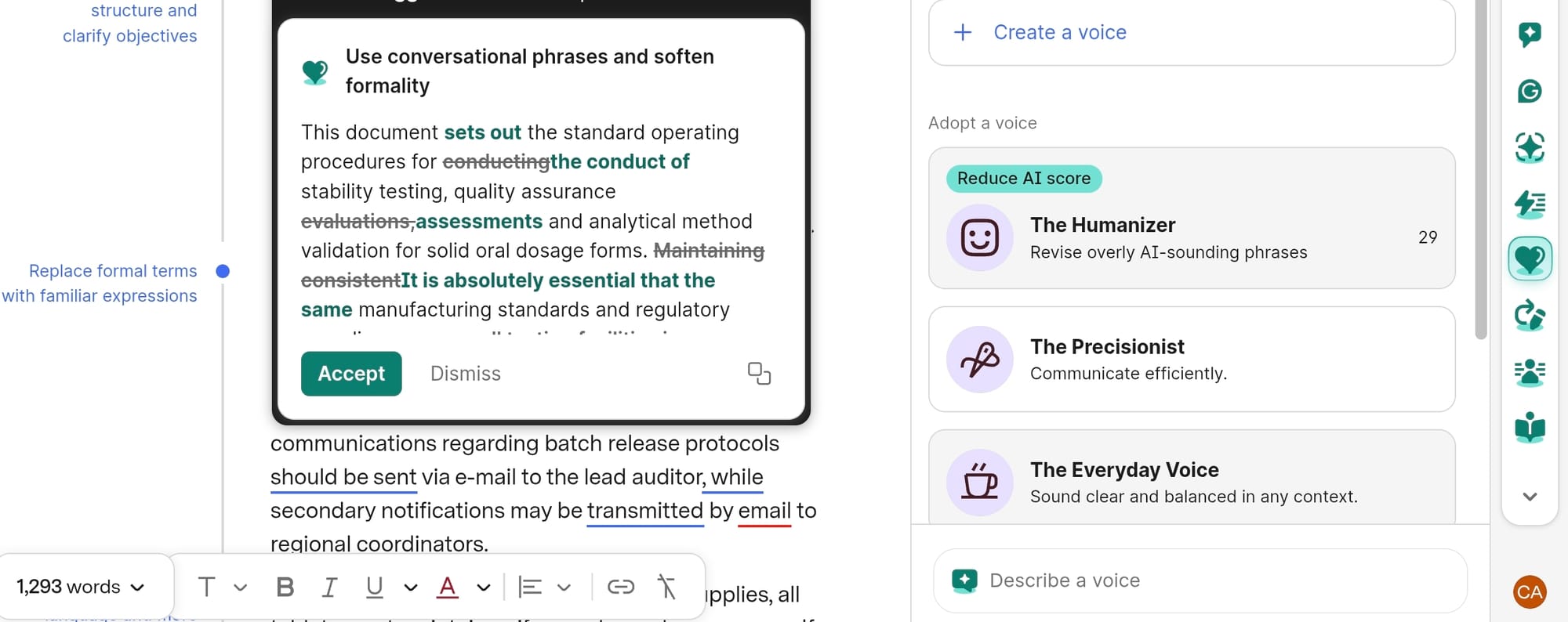
Grammarly provides a basic AI humanizer as part of its broader writing ecosystem. A free account unlocks four preset writing voices, custom voice generation from a writing sample, and support across six languages, while full access requires a Grammarly Pro subscription.
Grammarly explicitly states on its official product page that this tool isn’t intended to bypass AI detectors. You can use it as an editor for tone and flow instead.
Key Features
- Preset and Custom Voices: Lets you select from four built-in tone presets or upload a writing sample of at least 200 words to establish a personalized custom voice profile.
- Multi-Language Integration: Extends humanizing and paraphrasing support across six languages within the main editor workspace.
- Grammarly Authorship Tracking: Generates transparency reports showing the breakdown of human typing versus AI assistance to verify original drafting.
Pros
- Integrates directly into existing browser extensions, desktop apps, and document editors.
- Offers robust tone customization and natural readability improvements.
- Provides transparent authorship reporting for academic and professional integrity.
Cons
- Explicitly states it’s not built to evade AI detectors, resulting in higher detection scores than dedicated stealth tools.
- Annual billing requires a mandatory upfront payment rather than month-to-month discounting.
Best Use Cases
Best for professionals and students seeking a polish on tone, clarity, and grammatical flow rather than a mechanism for bypassing strict automated detection software.
What Is an AI Humanizer?

An AI humanizer is a tool that tweaks machine-generated text to make it sound less like a computer wrote it. These programs usually focus on breaking the predictable patterns and "perfect" structures that models like ChatGPT tend to follow.
What’s the difference between rewriting and humanizing AI content?
Standard rewriting simply rephrases text to make it clearer for human readers, while humanizing AI content specifically alters sentence structures and natural speech rhythms to pass AI detection checks.
Rewriting is mostly about changing words to make a paragraph clearer or shorter for a reader. It’s a general editing process where the main goal is simply to say the same thing using a different vocabulary.
You’re essentially just polishing the text so it’s easier to understand, without worrying about how an algorithm might "score" the writing.
Humanizing AI content is a much more specific process designed to defeat detection software. Instead of just swapping synonyms, a humanizer introduces the kind of spontaneous variety and irregular rhythms that real people naturally use.
How these tools work (syntax variation, sentence restructuring, tone shifts)
These humanizer tools primarily focus on syntax variation by changing how your sentences are built. If a draft has several sentences in a row with the same structure, the humanizer flips them around to create a more erratic, human-like flow.
Sentence restructuring is another big part of the process, where the tool mixes up sentence lengths.
It might take a long, balanced statement and break it into one short, punchy sentence followed by a more descriptive one. This creates "burstiness," which is just a fancy way of saying the writing has a more natural, irregular pace that is hard for a computer to predict.
Finally, most high-end humanizers apply tone shifts to make the content feel more personal and less academic.
They might add a bit of wit or use more conversational transitions that a machine wouldn't typically choose. These subtle changes move the text away from a generic style and toward a voice that sounds like it belongs to a real person.
How to Actually Bypass AI Detection (Without Ruining Your Content)
- Don’t rely on one-click tools:
It can be very tempting to just hit a button and hope for the best, but most automated humanizers are essentially just advanced word swappers. If you want a score that actually sticks across multiple detectors, you need to use these tools as a starting point rather than the final authority.
- Combine rewriting + manual edits:
You should take the output from a high-quality humanizer like editGPT and then go through it line by line to fix any weird phrasing. This mix of software-driven structural changes and your own personal touch is the most reliable way to break the predictable mathematical patterns that bots flag.
- Add human inconsistencies and variation:
Detectors look for a perfectly balanced rhythm where every sentence flows with the same boring consistency. You can throw them off by intentionally mixing very short, punchy statements with longer, more descriptive sentences to create a natural "burstiness" in your writing.
- Use AI as a base, not final output:
I always suggest using AI to build your outline or a rough first draft so you aren't staring at a blank page. Once you have the data and the core ideas down, you should do the heavy lifting of the final writing yourself to make sure your unique voice stays front and center.
Best AI Humanizer by Use Case
- Best for students: editGPT This tool handles complex academic citations and logic perfectly while making your research analysis sound like it actually came from your own head.
- Best for bloggers: StealthWriter You get multiple versions of the same draft to choose from, which makes it much easier to fine-tune the flow of your SEO articles without losing your specific brand voice.
- Best for speed: Humbot It processes your text in just a few seconds, so you can quickly clean up short social media updates or emails when you are working under a tight deadline.
- Best for paraphrasing you already use: QuillBot Since almost everyone already has a login, you can use the familiar interface to smooth out clunky sentences for free without needing to pay for a niche bypass tool.
- Best free option with no sign-up: Clever AI Humanizer requires no sign-up and processes up to 3,000 words per request.
- Best for tone without trying to beat detectors: Grammarly AI Humanizer Focuses primarily on enhancing your writing style, tone, and grammatical clarity for general communication rather than attempting to disguise text from AI detectors.
Best AI Humanizer for Academic Writing
When you need a humanizer tool to refine academic papers and assignments for detectors like Turnitin and GPTZero, editGPT is the best tool that's built to support your workflow.
Thanks to intelligent contextual editing capability, your paper keeps its original voice and intent throughout the revision process. Crucial details like in-text citations and bibliography references remain completely intact.
You also get full control over what gets adjusted using different modes, custom prompts, and tracked changes, ensuring your hard research shines through while sounding polished and authentically human.
FAQ
What’s the best AI humanizer in 2026?
editGPT holds the top spot as the best AI humanizer of 2026 as it works much like a professional editor improving your phrasing while maintaining your specific perspective or the voice you set for your writing. It also has a tracked edit feature that lets you see what changed and allows you to accept or reject the changes.
Can AI humanizers bypass Turnitin?
Several high-end tools can significantly lower your detection scores, but no software provides a 100% guarantee against every single algorithm. You should always do a manual checking of your AI texts to fix any lingering robotic patterns that the software might have missed.
Is using AI humanizers safe for academic work?
You need to check your specific school or department policies since rules on using a tool to humanize your drafts vary wildly. Most institutions prioritize original thought, so these tools work best when you use them to polish your own ideas rather than to hide a fully generated paper.
Do AI detectors always work?
These programs are notorious for being inconsistent and often flag completely original human writing as machine-generated. You can humanize it further by adding your own unique voice, which helps prevent these false positives from ruining your hard work.
What’s the difference between AI rewriting and humanizing?
Rewriting focuses on swapping words for synonyms, but the goal to humanize content is about fundamentally changing the paragraph structure and sentence rhythm. Humanizers introduce natural variations and "burstiness" that make the text look mathematically unpredictable to a computer.
What is the best free AI humanizer?
editGPT offers a generous 20,000 free words per month, while Clever AI Humanizer stands out as the best completely free option with no sign-up required and up to 3,000 words per request.
Is there a tool that is both an AI detector and humanizer?
Yes, editGPT includes a built-in free AI detector alongside its humanizer and editor suite.
Which AI humanizer is best for Turnitin?
No single humanizer can guarantee a permanent bypass against Turnitin because the platform updates its detection models frequently. As a result, any successful detection evasion achieved by a humanizer tool tends to be temporary.
The Overall Best AI Humanizer
Finding a tool that actually delivers a natural result can be a challenge, but the humanizers on this list each serve a specific purpose for different types of writing.
If you’re looking for the best overall that can work for every need so you can get the bang for your buck, I found that editGPT remains the most reliable option as it cleans up your phrasing like a professional human editor would.
But you can also always get the best outcomes by combining these tools with your own manual edits to keep the work accurate and believable.
Recommended Reading
Best Undetectable AI Alternatives
BypassGPT vs editGPT: Which is the best AI humanizer?
UnAIMyText vs editGPT: Which AI humanizer keeps your voice?
7 Best QuillBot Alternatives for AI Paraphrasing and Content Rewriting
QuillBot vs editGPT: We Tested the Best AI Proofreaders in 2026
What is the best AI Proofreader?
Top 10 Creative Writing Tools in 2026
Best AI Proofreader Chosen by the Reddit Community
Best AI Proofreader Tools of 2026 (Tested for Accuracy, Speed & Tone) editGPT vs Grammarly vs Quillbot: Which Writing Tool is Best?
The Best AI Proofreaders That Actually Work (Free & Paid)
Review: Wordtune Editor vs editGPT
Review: Grammarly vs editGPT
Review: ProWritingAid vs editGPT
Review: Hemingway Editor vs editGPT
