
How to Restore Default Prompts
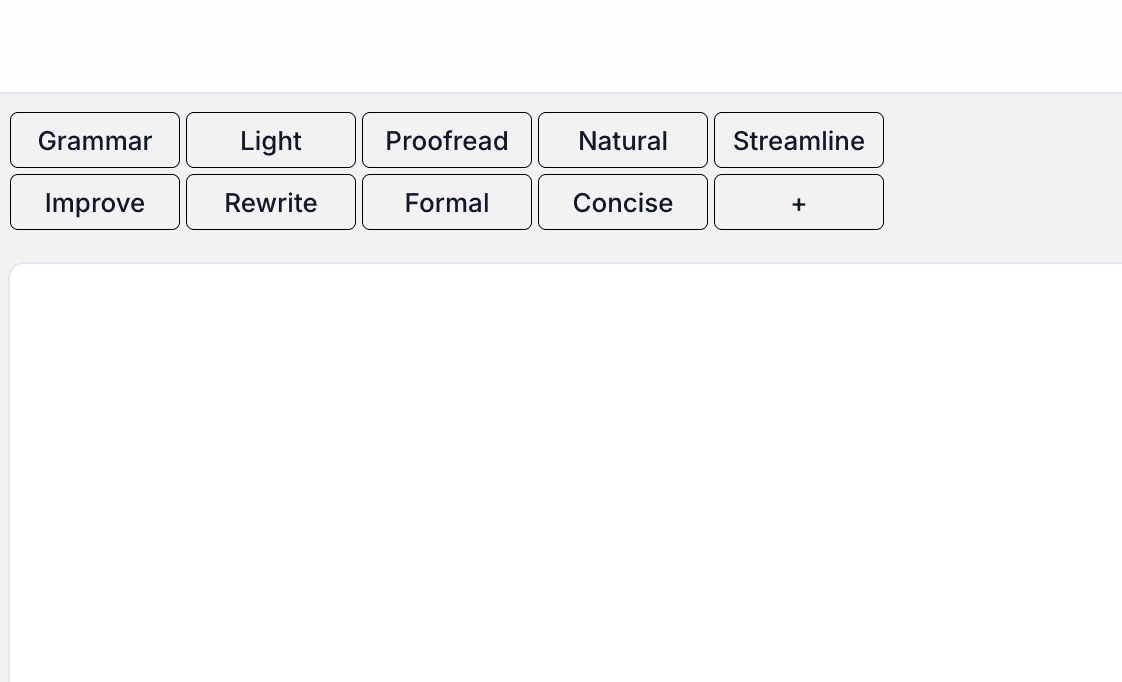
If you've created custom prompts but want to return to the original default settings, you can easily restore them with just a few clicks.
Steps to Restore Default Prompts
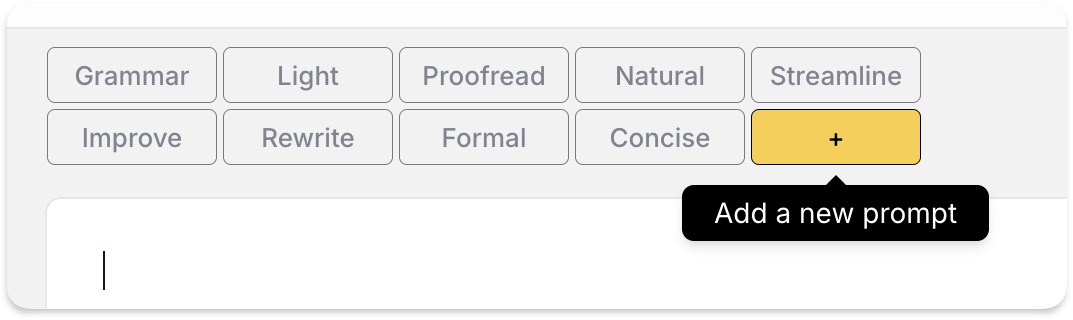
- Click the "Add New Prompt" button in your prompts interface
- Look for and select the "Restore Defaults" option
This will reset all prompts back to their original state.
Visual Guide
Here's a visual walkthrough of the process:

What Happens Next
When you restore the default prompts:
- All custom prompts will be removed
- Original default prompts will be reinstated
- Your prompt list will return to its initial state
Note
This action cannot be undone. If you have custom prompts you'd like to keep, make sure to save them elsewhere before restoring defaults.