
editGPT Quick Start Guide
Welcome! editGPT is your AI-powered writing assistant designed to improve your writing while preserving your unique voice. Unlike tools that rewrite your content entirely, editGPT helps you edit naturally, allowing you to easily review, accept, or reject suggested changes.
What's Covered
- Creating Your Account
- Navigating the Editor Interface
- Editing Your Text
- Customizing Your Experience
- Exporting Documents
- Upgrading Your Plan
- Helpful Tips
Creating Your Account
To get started:
- Visit editGPT's website to create your free account.
- Choose a plan based on your needs:
- Free: 10,000 words/month (casual users)
- Pro: 500,000 words/month
- Elite: 3,000,000 words/month
Navigating the Editor Interface
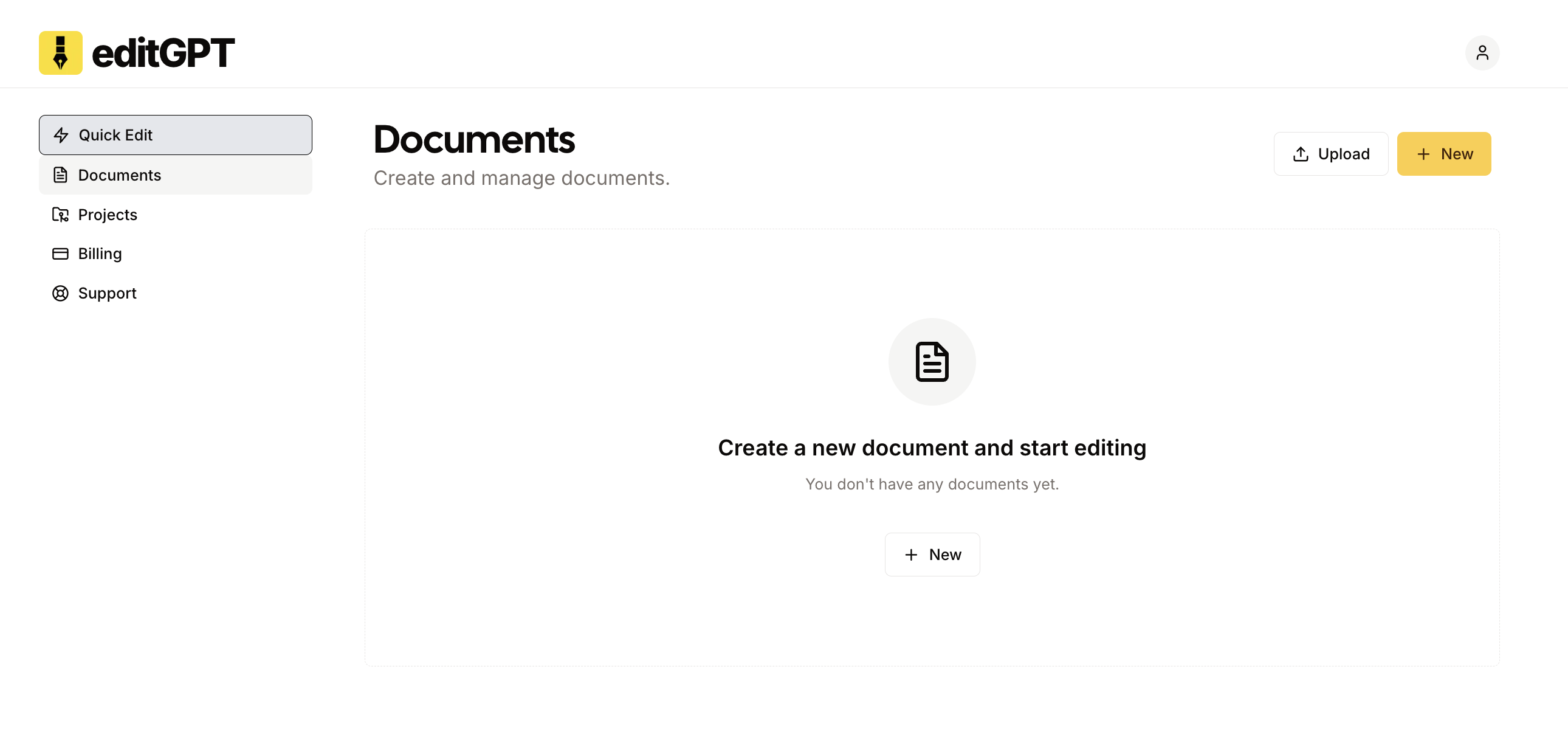
Once logged in, click "New Document" to create a fresh document. You can type directly or paste existing content such as blog posts, reports, or academic papers. Add a title at the top to stay organized.
Editing Your Text
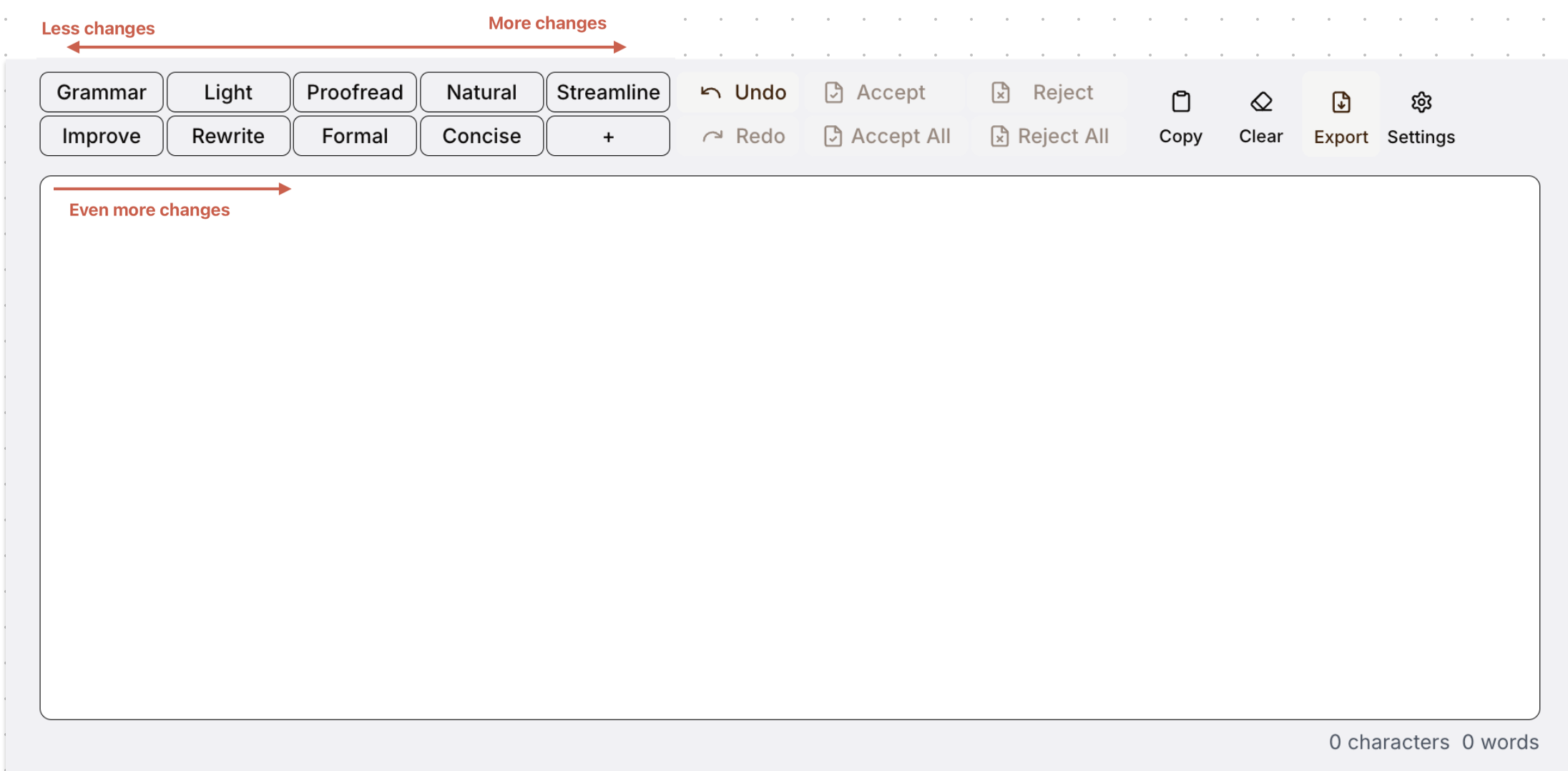
editGPT offers multiple editing options tailored to your goals:
Editing Levels Explained
Choose the right command based on your editing needs:
| Level | Editing Intensity | Best For |
|---|---|---|
| Grammar | ~5% | Grammar-only fixes |
| Light | ~10% | Minor readability enhancements |
| Proofread | ~20% | Standard proofreading |
| Natural | ~25% | Reducing awkward phrasing |
| Streamline | ~30% | Improving overall flow |
| Improve | ~40% | Clarifying complex text |
| Rewrite | ~50% | Significant rephrasing |
| Formal | Adjusts tone | Professional or academic writing |
| Concise | Removes excess | Shortening and sharpening text |
How to Edit Your Document
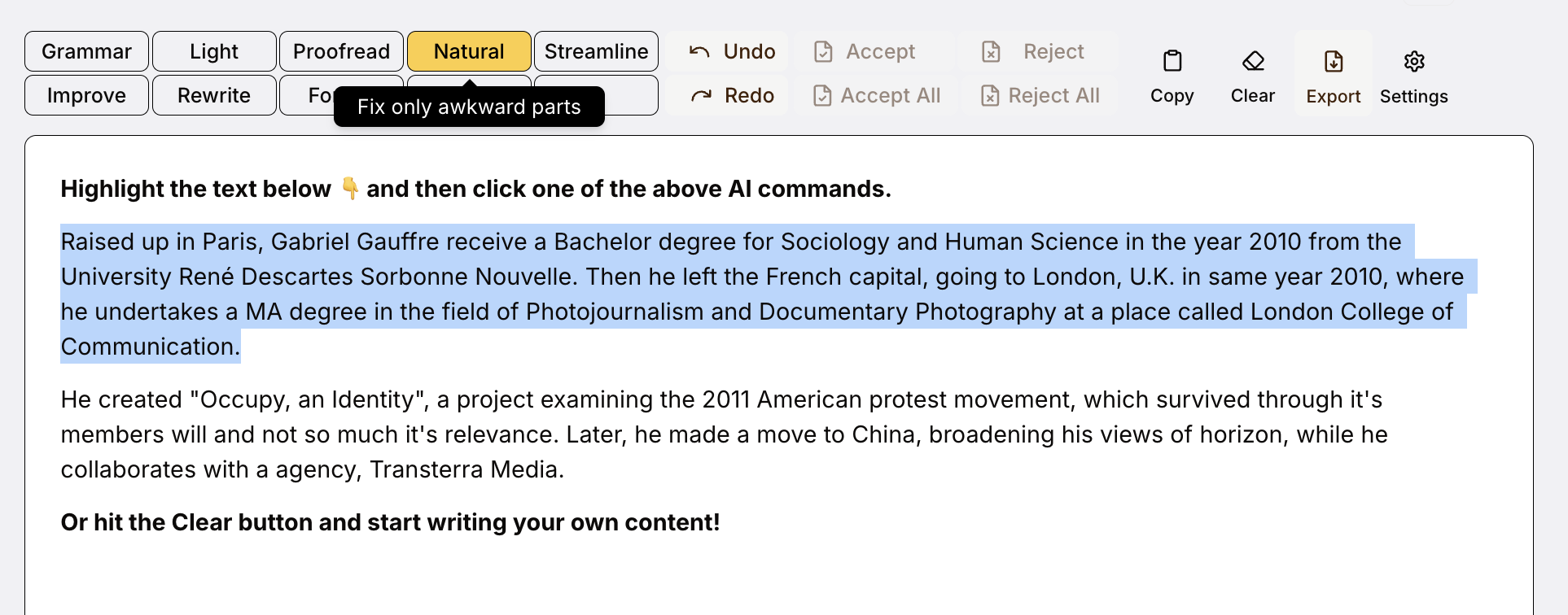
- Paste or write your text into the editor.
- Select an editing level from the toolbar.
- Review the suggestions that appear.
- Accept or reject suggestions individually or in bulk.
- Experiment with different editing levels to see varied results.

Customizing Your Experience
Enhance your workflow by customizing editGPT:
-
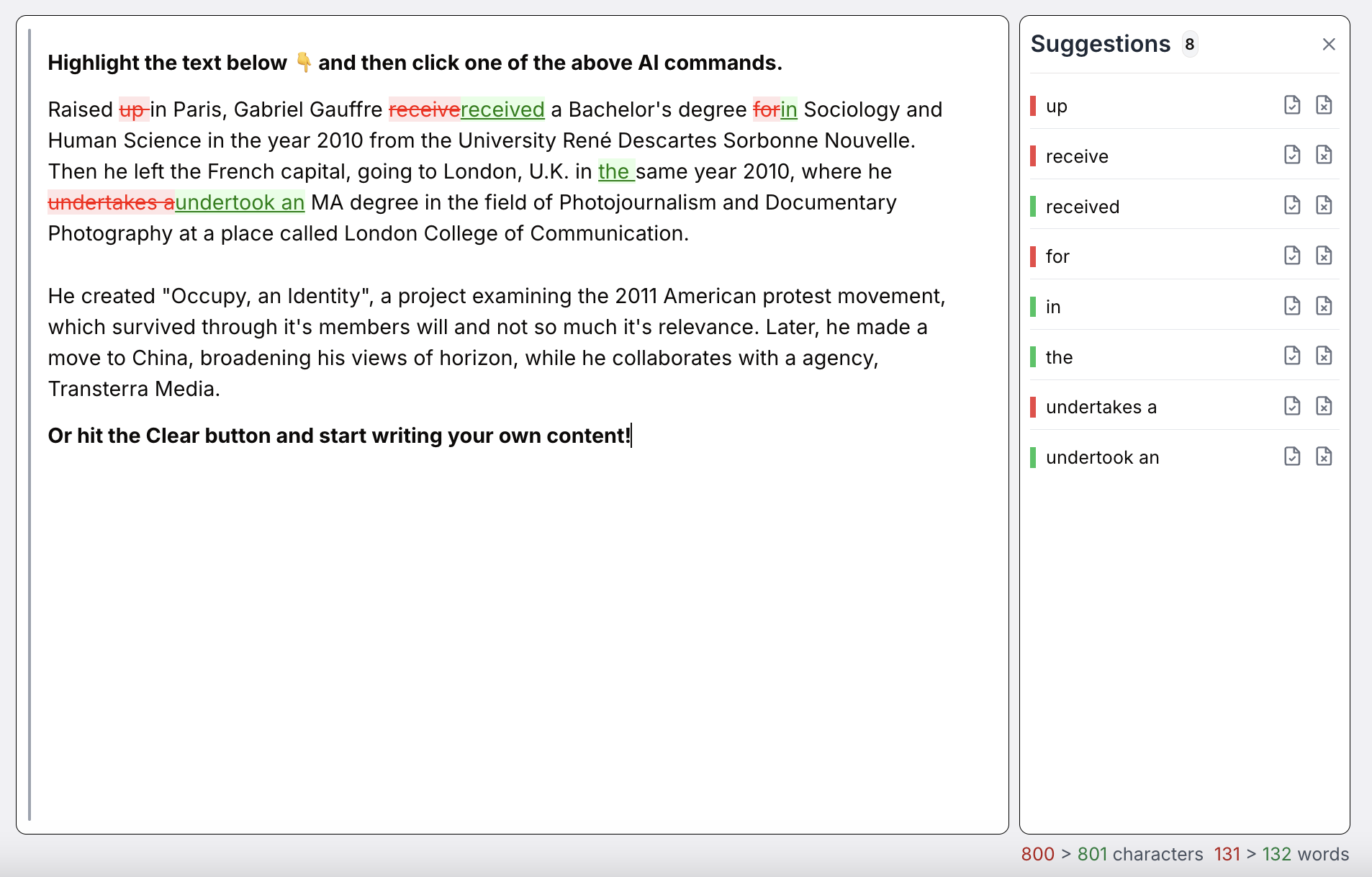
Suggestions Panel: View comprehensive editing suggestions at a glance.
-
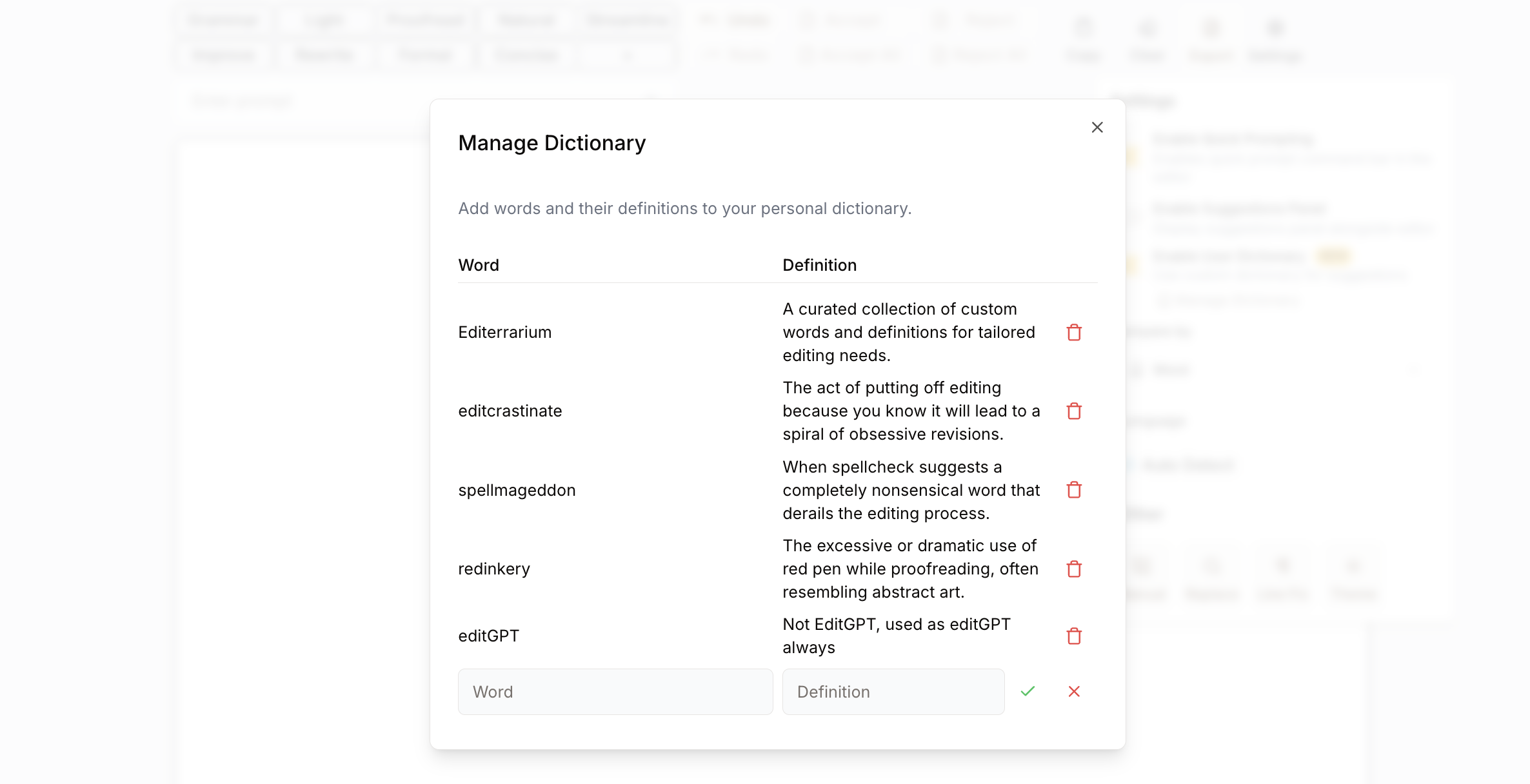
Personal Dictionary: Add frequently used terms to ensure accurate suggestions.
Exporting Documents
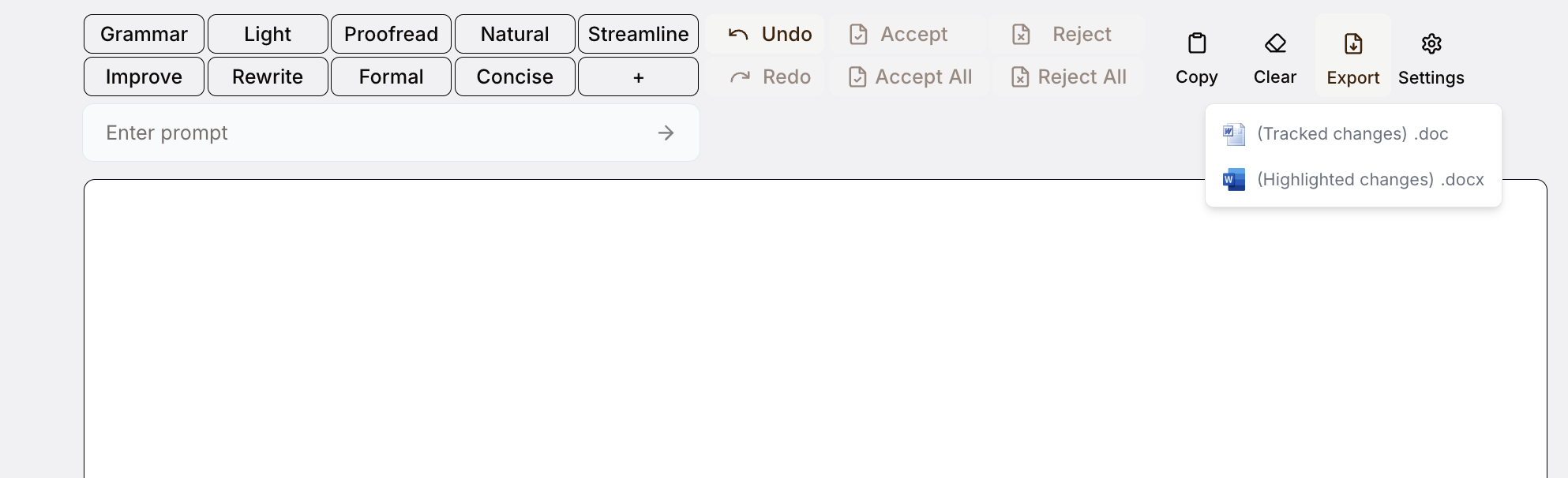
Easily export edited documents:
- Download as
.docx,.pdf, or.txt - Share directly via email or collaboration tools
Upgrading Your Plan
Upgrade anytime to suit your usage:
| Plan | Monthly Limit | Benefits |
|---|---|---|
| Pro | 300,000 words/month | Advanced editing tools |
| Elite | 2,000,000 words/month | All features unlocked |
Helpful Tips for Success
- Start Small: Experiment with shorter texts first.
- Find Your Level: Test various editing commands to find your ideal match.
- Customize Prompts: Use custom prompts for targeted editing.
- Use Suggestions Panel: Regularly check this panel for comprehensive improvements.
- Save Often: Regularly save your progress and compare versions using built-in tools.
Remember
editGPT enhances your writing while always preserving your voice. You retain full control over each change.
For additional help, visit our Support Center or email us at support@editgpt.app.